Free
For one person starting with scheduling links and automatic event copying
$0/month
- 1 active booking slot
- Shareable booking page
- Up to 2 connected calendars
- Zoom and Slack integrations
- 1 one-way calendar sync rule (Busy only)
Articles on syncing events across Google Calendar, Outlook, and multiple accounts to prevent double bookings, plus comparisons of calendar sync tools.
Doctor visits, school pickup, half days off: three ways to put personal appointments on your work calendar, from private events to automatic busy-only copies.
Daycare pickup, pediatrician visits, school conferences: how to show family events on your work calendar as Busy without sharing any of the details.
CalendarBridge vs Chronock and OneCal: supported calendars, sync limits, scheduling pages, and pricing, plus other CalendarBridge alternatives (2026).

Copy Outlook events to Google Calendar one at a time, in bulk with an .ics file, by URL subscription, or automatically. Steps and limits for each method.
Reclaim.ai alternatives for calendar sync and booking links: Reclaim vs OneCal sync compared, plus CalendarBridge, SyncThemCalendars, Morgen, and Chronock.
Four ways to see Google Calendar and Outlook in one view: an ICS link, Google in Outlook, a phone calendar app, or an integrated calendar, and what each can do.
A unified calendar shows calendars from several accounts and providers in one view. Here is how it compares with sharing, ICS subscriptions, and sync, and what to check before choosing an app.
Work runs on Outlook, personal life on Google Calendar. Compare ICS subscriptions, manual blocking, and two-way sync tools to keep both calendars aligned — without exposing event details from one side to the other.
A fair comparison of OneCal alternatives for calendar sync — Chronock, SyncThemCalendars, CalendarBridge, Reclaim.ai, and SYNCDATE — across free plans, providers, and pricing, as of July 2026.
Double bookings happen when calendars can't see each other. Compare Google Calendar's built-in options with tools that check every calendar and block busy time.
A fair comparison of SyncThemCalendars and Chronock: SyncThemCalendars' free trial and paid pricing, Chronock's free plan, supported calendars, sync options, privacy controls, and booking pages, as of July 2026.
A fair comparison of OneCal and Chronock calendar sync: OneCal's free trial and paid plans, Chronock's free plan, supported calendars, sync direction, privacy controls, booking links, and team workflows.
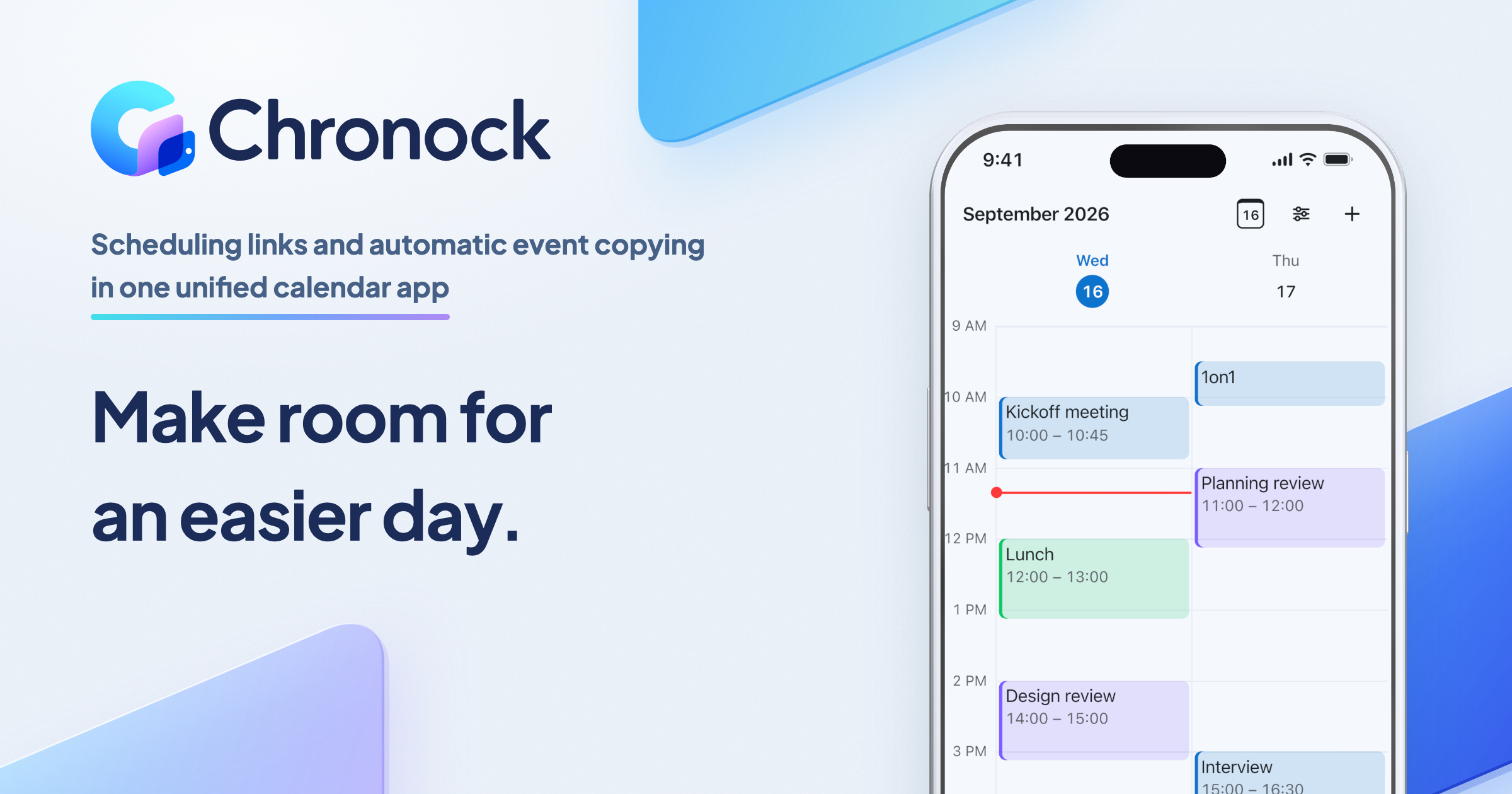
For one person starting with scheduling links and automatic event copying
$0/month
For teams scheduling together, or anyone who needs multiple or two-way sync rules
$6.67+/ user / month
Effective monthly price with annual billing