For coaches and counselors

Let a booking page handle everything except the session.

Discovery-call requests, next-session scheduling with ongoing clients, reschedules. Chronock’s booking page takes over the back-and-forth for every client. Visitors see only open slots — never other clients’ sessions or your personal events.

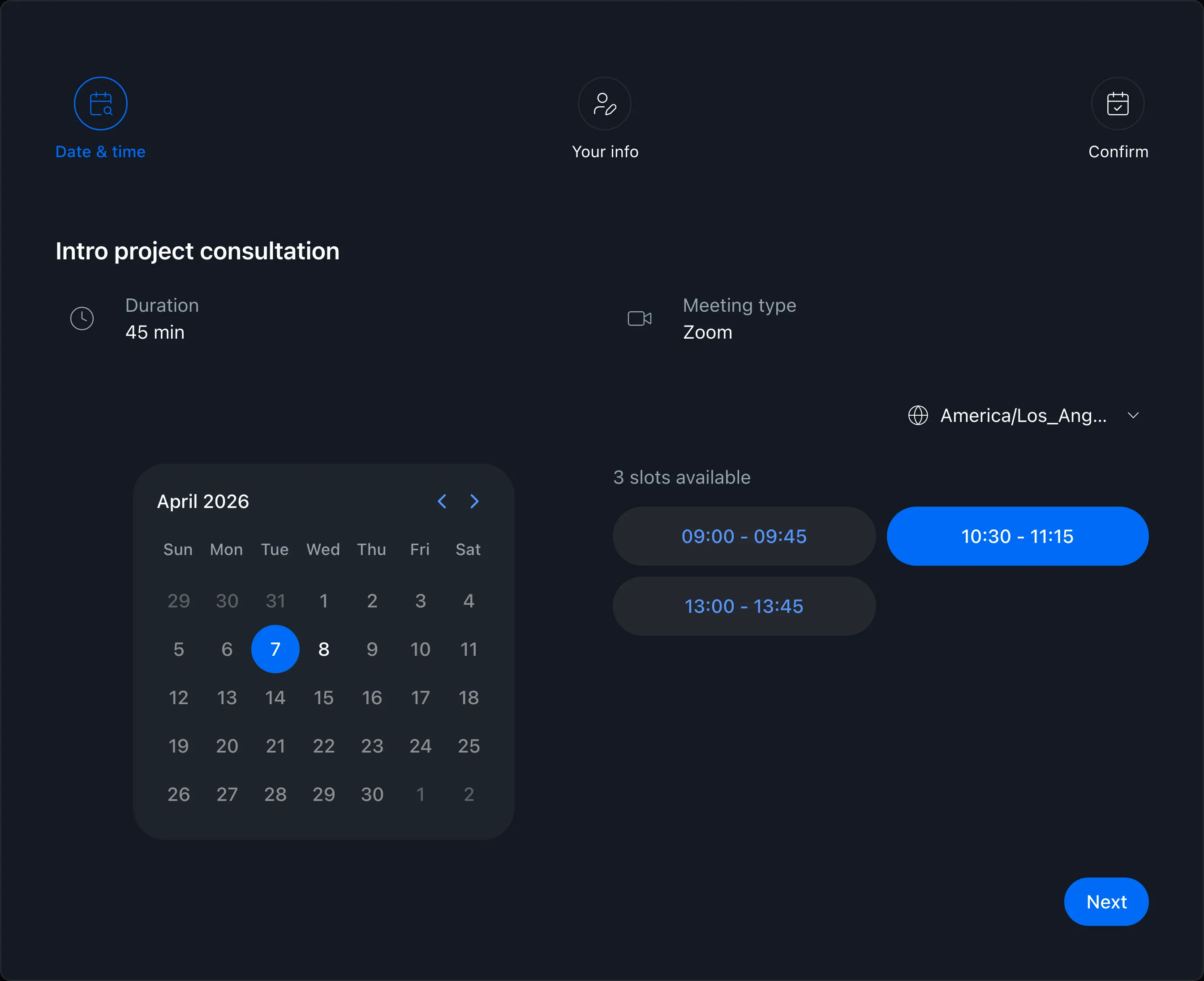
Booking page showing available times
View pricing

Is coordination work piling up around your sessions?

The more clients you take on, the more time goes into scheduling and reschedules. Hours meant for session quality drain into calendar-and-email ping-pong.

Sending time options to each client and waiting for replies, over and over

Constantly cross-checking sessions against your day job or personal calendar

Only taking evenings or weekends, and explaining that with every request

Booking page

Show only open slots and take bookings

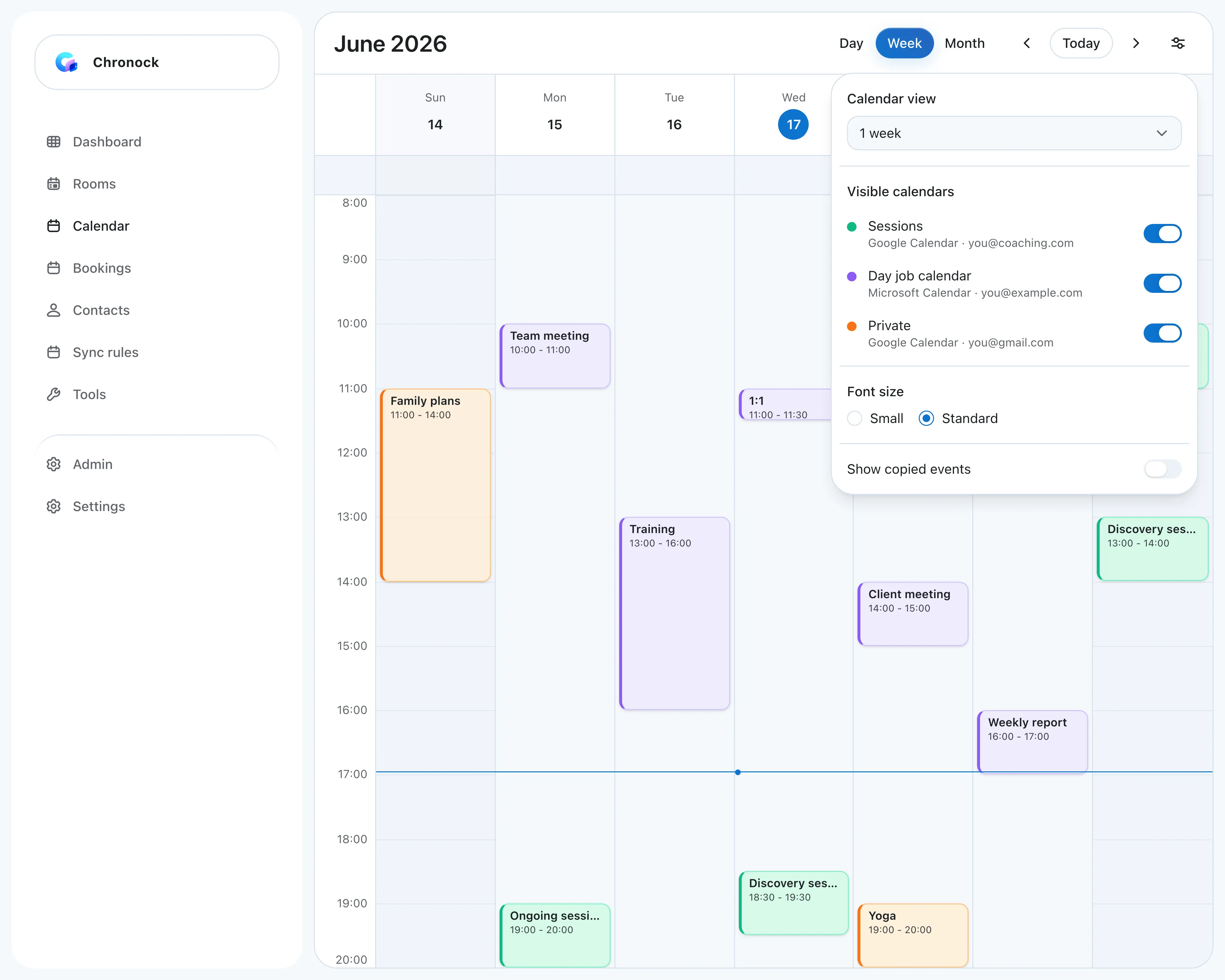
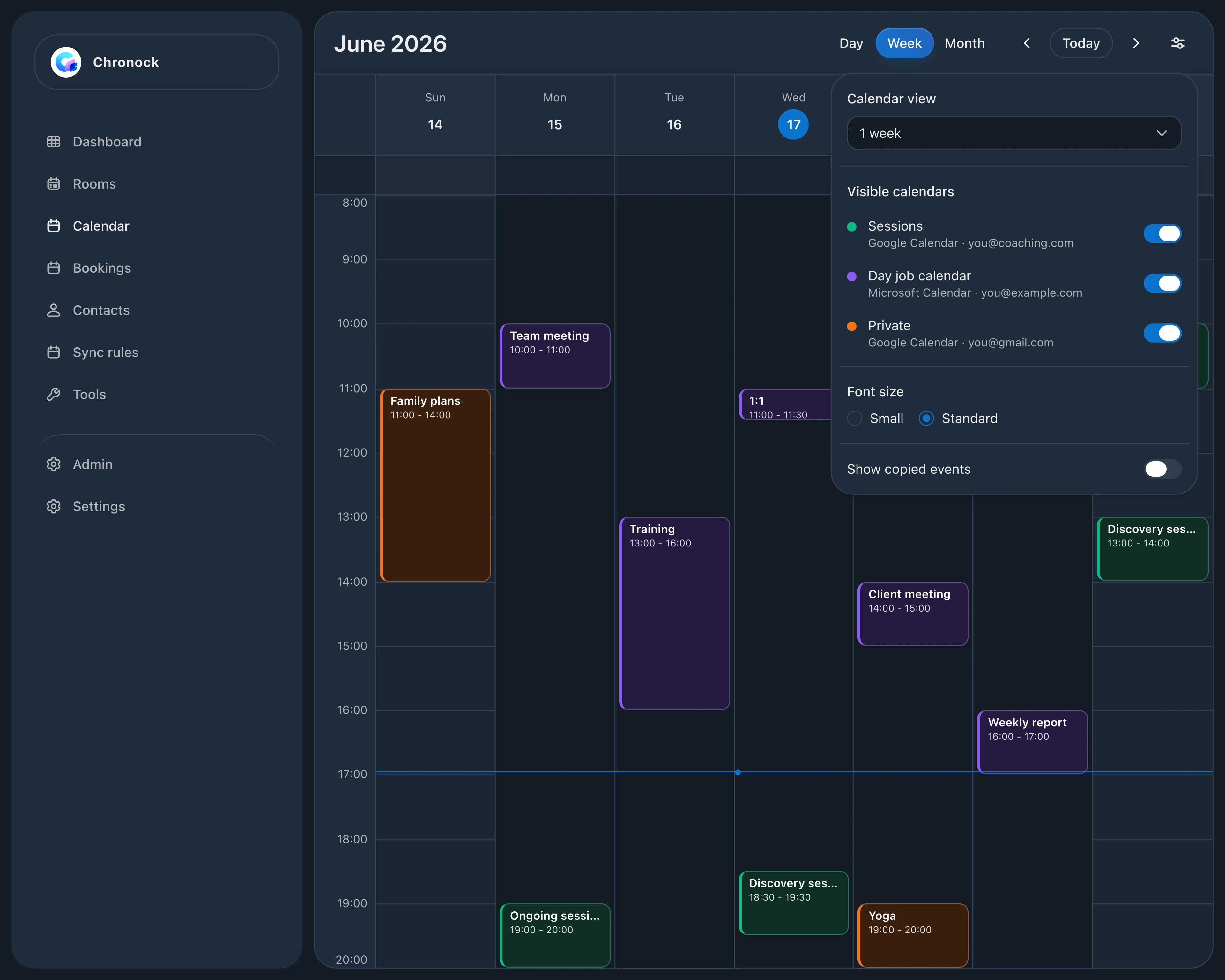
Send one URL, and clients see only the times that are actually free based on your Google Calendars. Confirmed sessions land on your calendar automatically, with a Meet or Zoom link included.

  • Availability is computed across all connected Google Calendars
  • Clients see open slots only — event details stay private
  • Video-call links are issued automatically when a session is booked
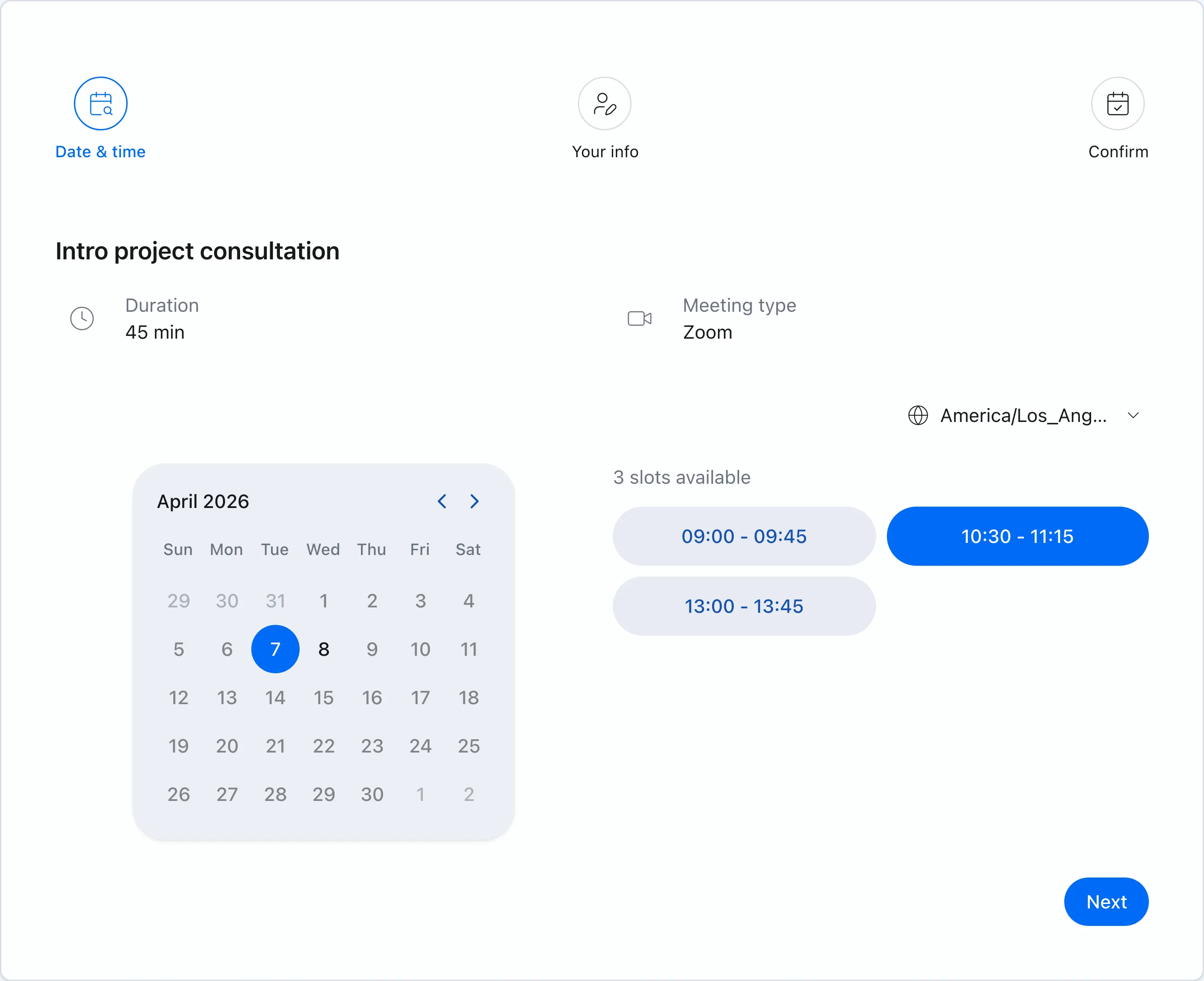
Booking page showing available times
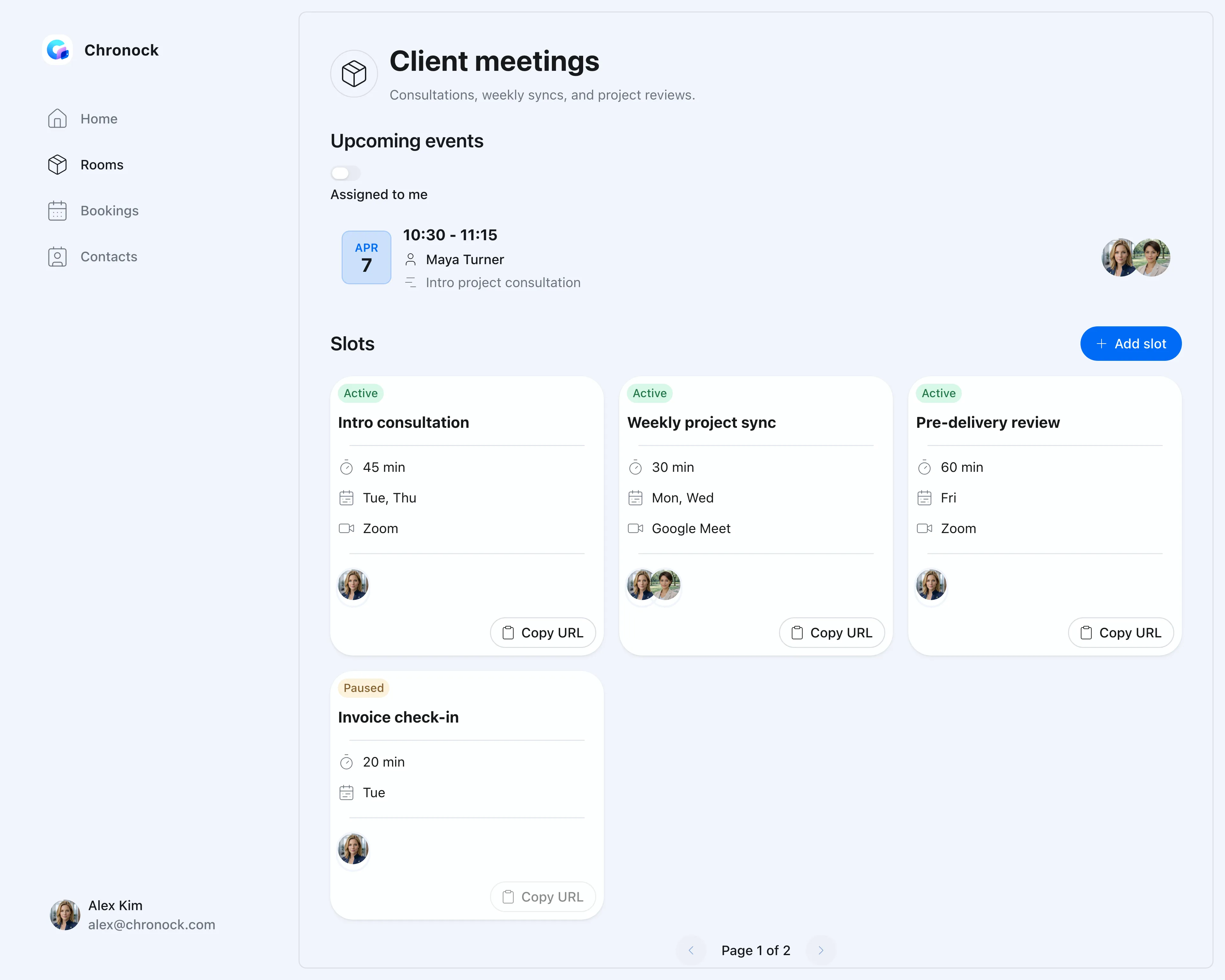
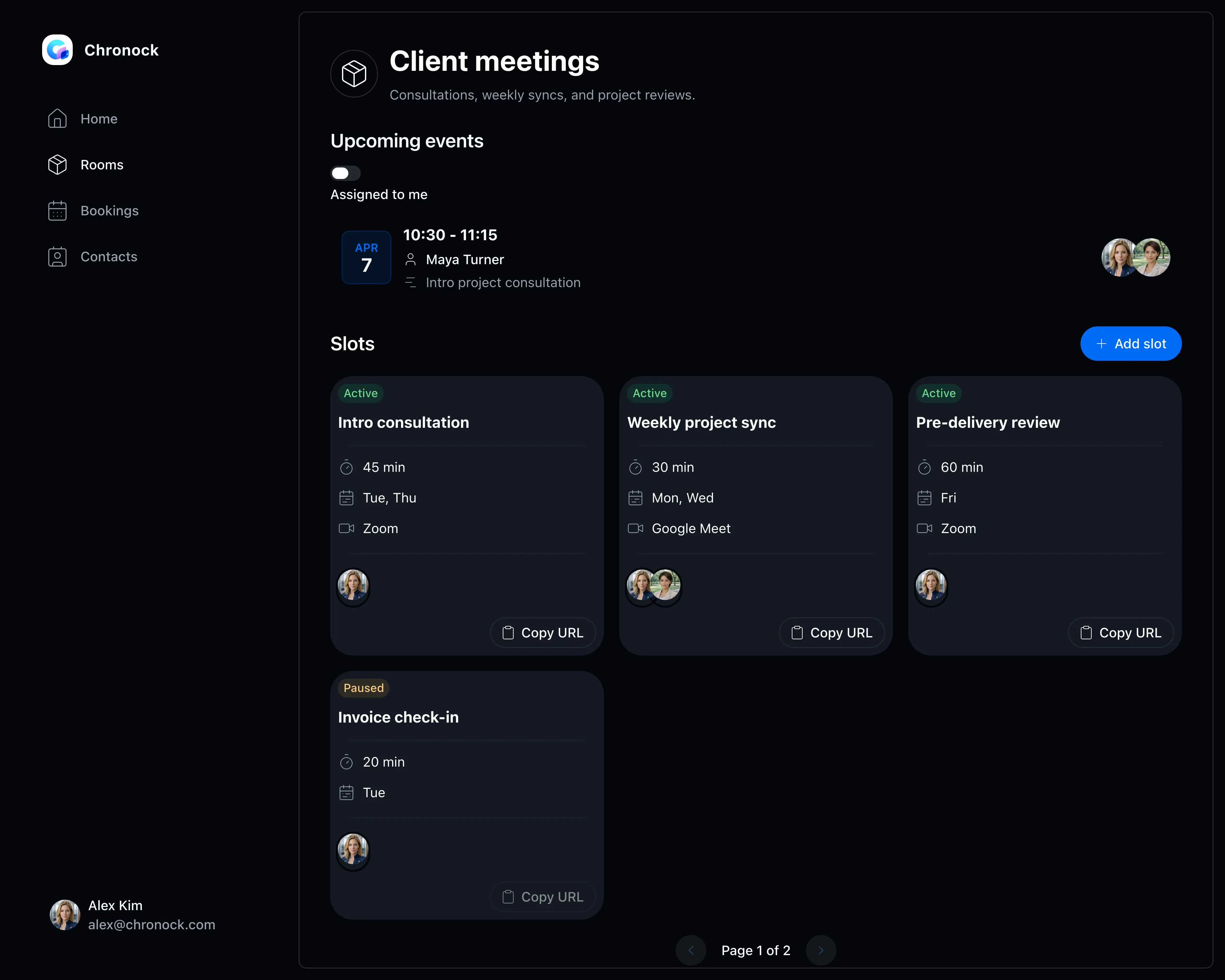
Booking slots

Different rules for discovery calls and ongoing sessions

Create separate booking slots per session type — a 30-minute discovery call, a 60-minute ongoing session. Each slot has its own accepted days and hours, so evening-and-weekend-only availability is handled by the page, not by email.

  • Set session length, accepted days, and hours per booking slot
  • Add buffers before and after for notes and preparation
  • Pause a slot to stop accepting new bookings instantly
Booking slot settings screen
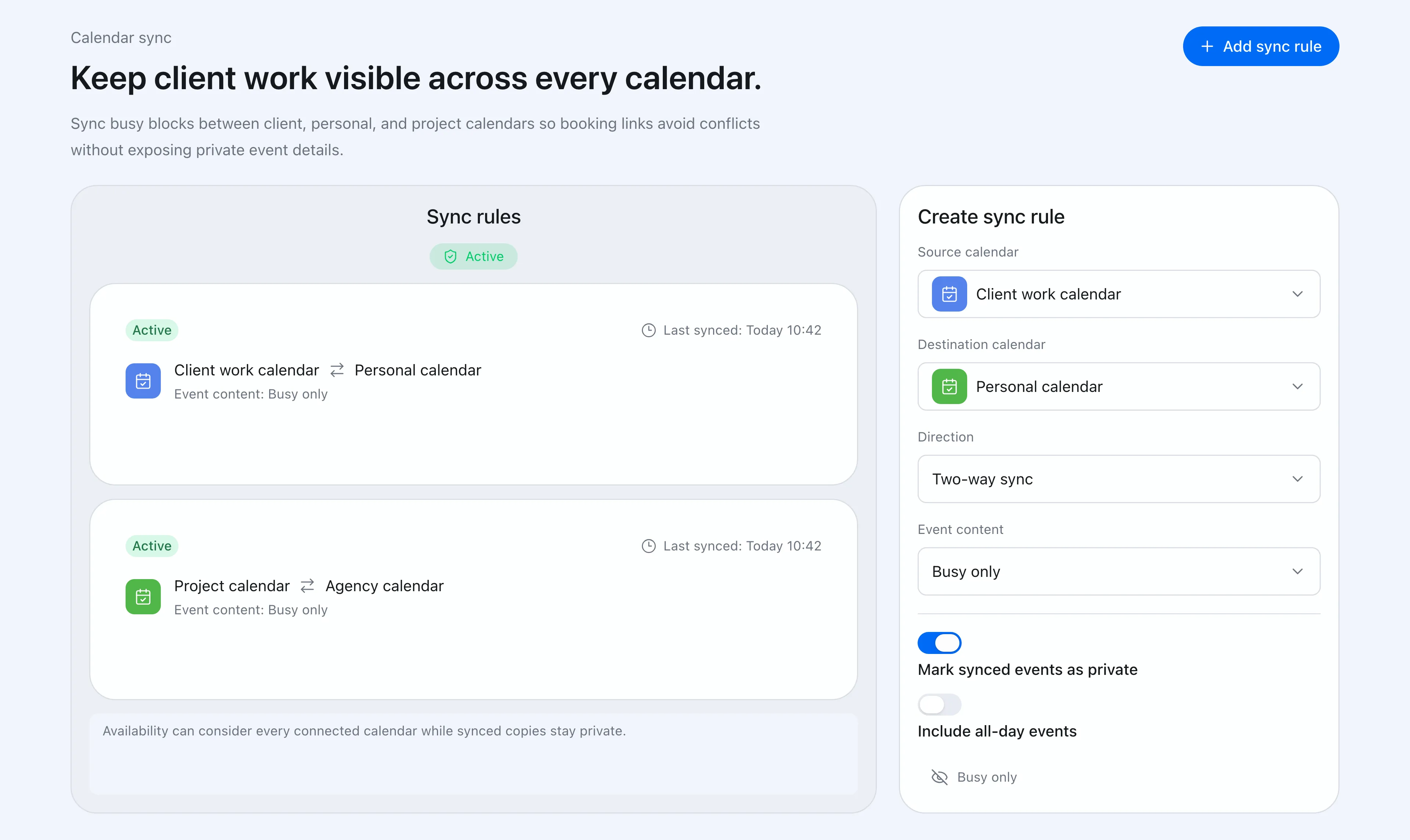
Calendar sync

No double bookings with your day job or personal life

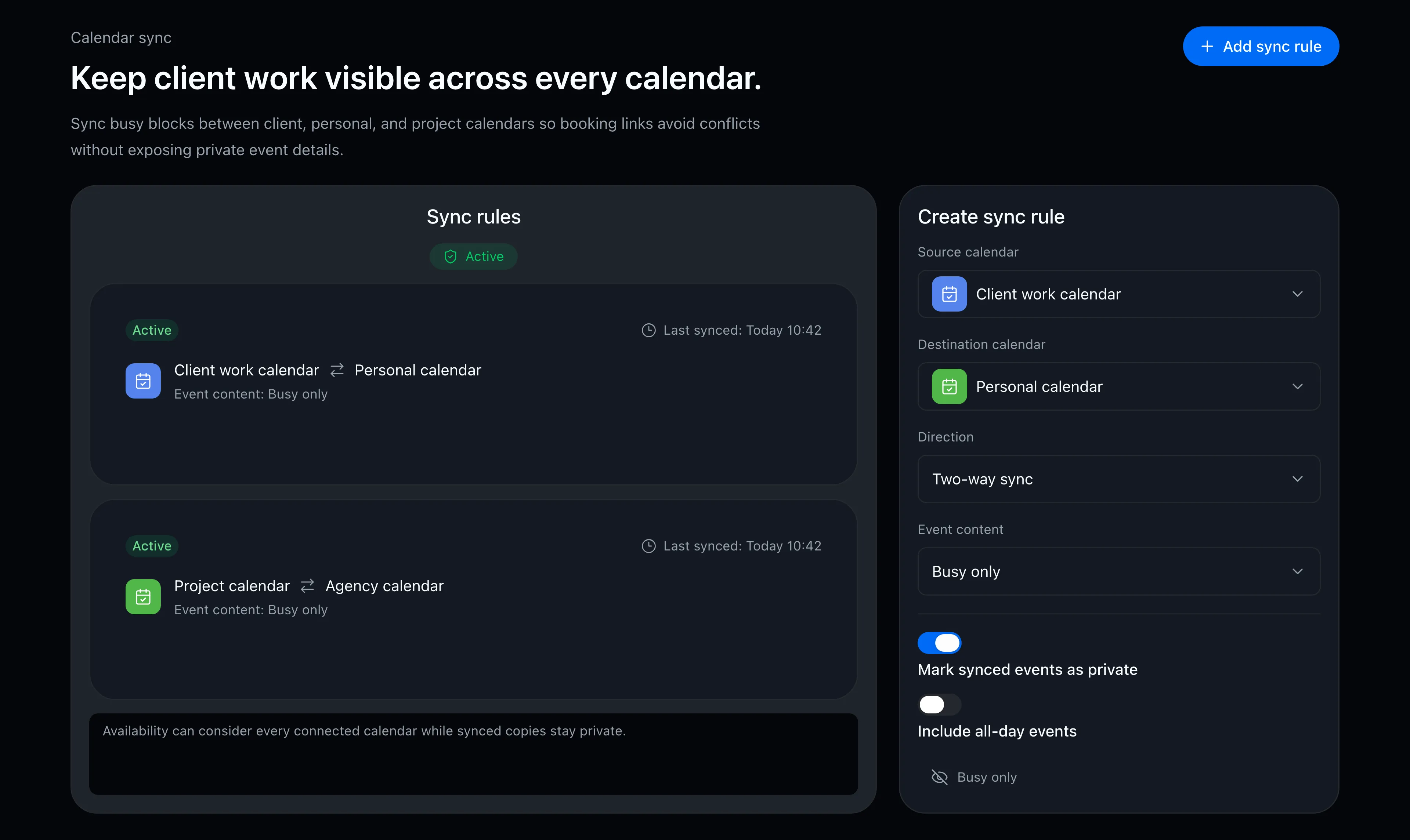
Connect your work, personal, and practice calendars, and only truly free times appear on your booking page. Calendar sync can mirror sessions as busy-only blocks, so your day-job calendar never reveals what — or who — the time is for.

  • Availability reflects every connected calendar at once
  • Sync as busy-only blocks to keep titles and details hidden
  • Changes and cancellations are followed automatically
Calendar sync rule settings screen

FAQ

Can I use different booking slots for discovery calls and ongoing sessions?
Yes. Create a booking slot per session type, each with its own length and accepted days — for example, 30-minute discovery calls on weekends and 60-minute ongoing sessions on weekday evenings.
Can clients ever see my other events?
No. The booking page shows bookable open slots only. Other clients’ sessions and your personal events are never shown — neither their contents nor their existence.
Can I accept bookings only on evenings or weekends?
Yes. Each booking slot has its own accepted days and hours. If you coach alongside a day job, only the slots that match your rules appear on the booking page.

Related articles

Chronock scheduling and calendar sync OG image

Chronock

The hunt for free slots ends here.

Turn Google Calendar availability into booking pages, then add calendar sync when you need it. Start with the free plan.

Free

For individuals starting with booking and private calendar sync

$0/month

  • 1 active booking slot
  • Shareable booking page
  • Multiple calendar connections
  • Zoom and Slack integrations
  • 1 one-way calendar sync rule (Busy only)
Get started free

Pro

Streamline scheduling and cross-calendar sync for freelancers and teams

Most popular

$6.67+/ user / month

Effective monthly price with annual billing

  • Unlimited booking slots
  • Unlimited one-way and bidirectional sync with event details
  • Group scheduling
  • CRM (bookings & contacts)
Start 7-day Pro trial