For freelancers and independent professionals

End the scheduling back-and-forth with one link.

Sending time slots and waiting for replies, project after project — let a Chronock booking link take that over. It detects availability across your Google Calendars and shows clients only the times you can actually take.

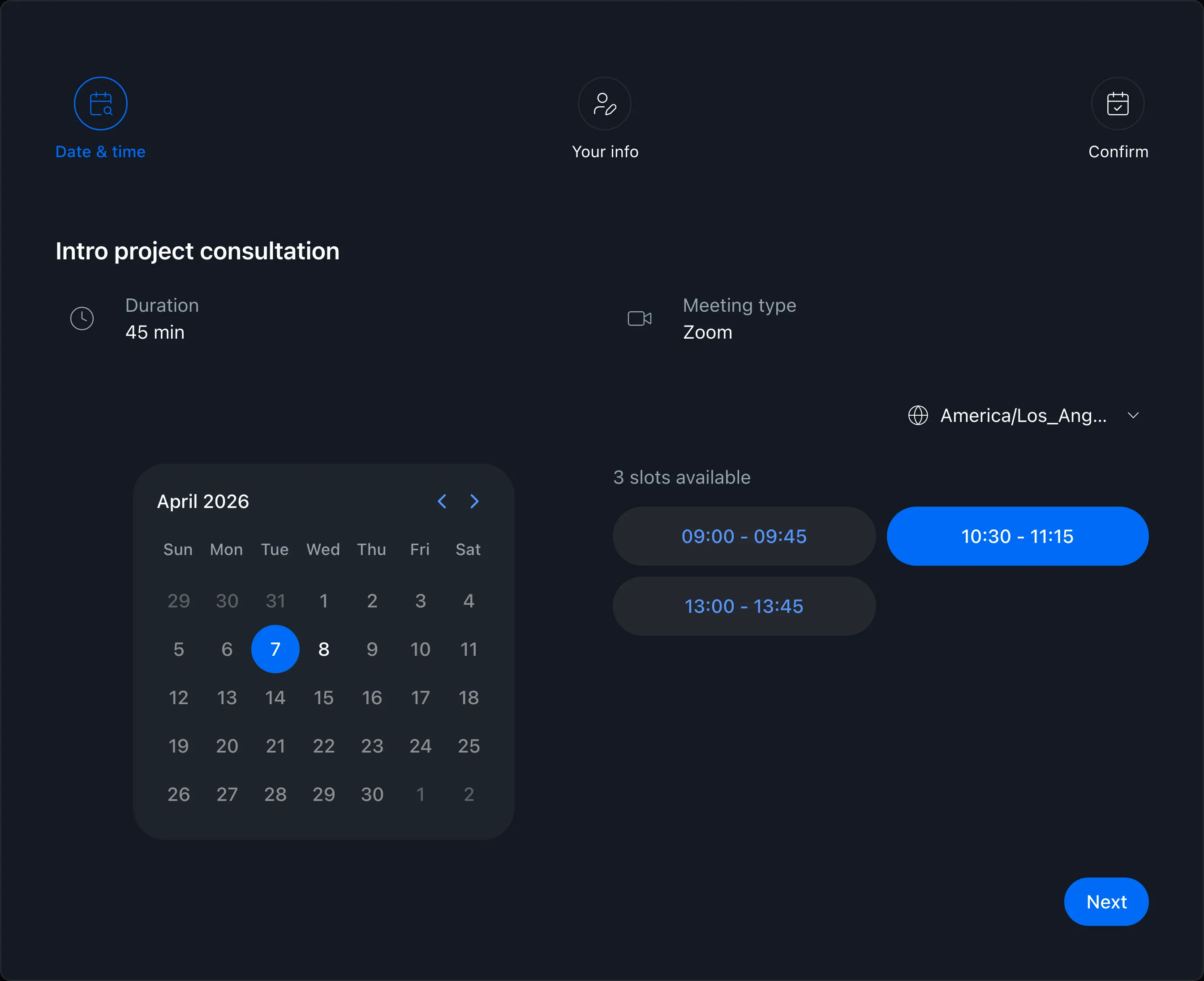
Booking page showing available times
View pricing

Is scheduling eating into your real work?

The more projects you take on, the more time goes into proposing times and waiting for replies — time that should go into your actual work.

Digging up three candidate times for every project and sending them over email or chat

Comparing work, side-project, and personal calendars by hand to find open slots

Re-proposing times because something else got booked while you waited for a reply

Booking link

Proposing times is just sharing a URL

Send the URL you created in the app, and only bookable times appear as options — based on your Google Calendar events.

  • Availability detected automatically across all connected Google Calendars
  • Clients simply pick a time that works on your booking page
  • Confirmed meetings land on your calendar with Meet or Zoom links created automatically
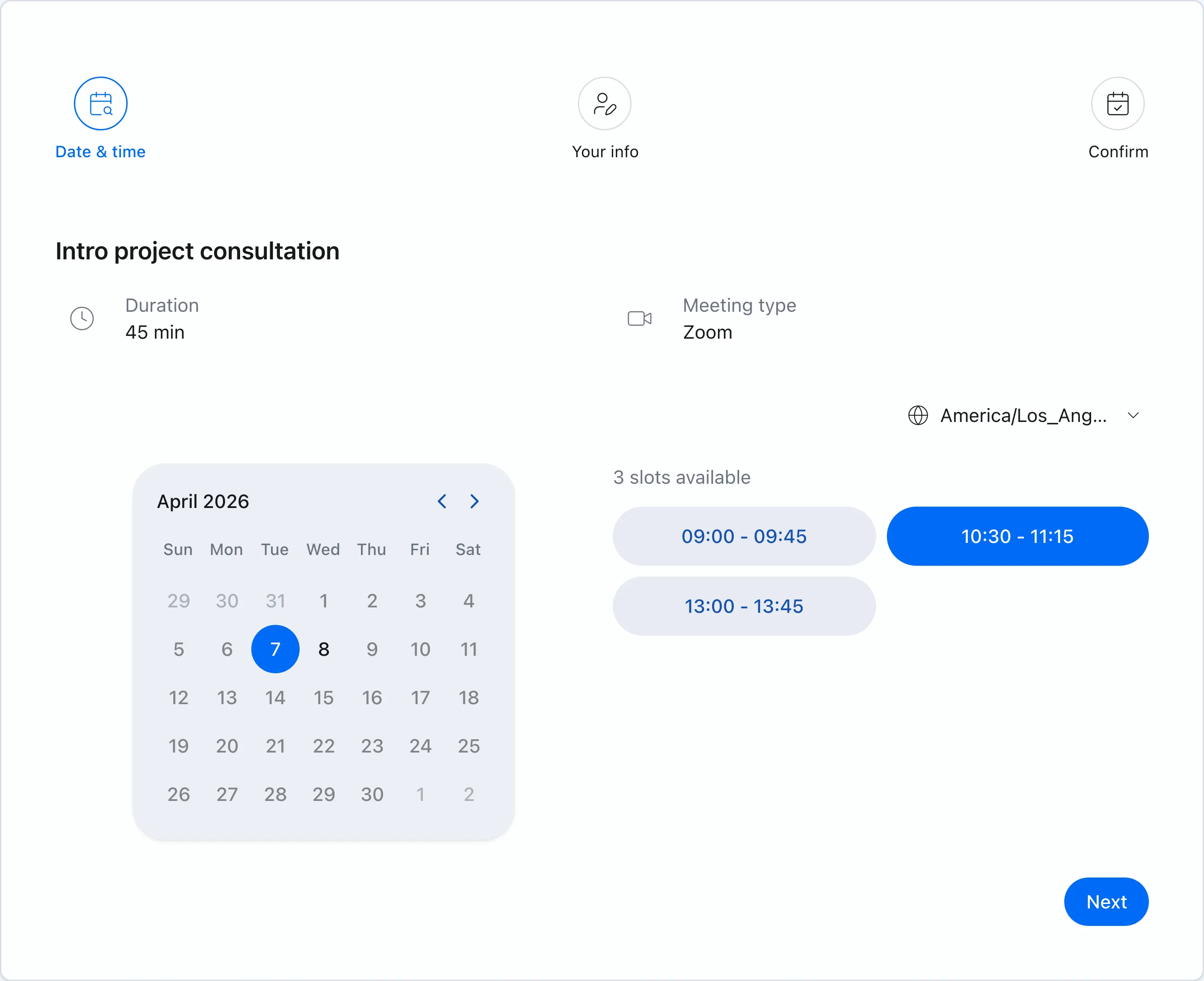
Booking page showing available times
Booking slots

Different rules for different engagements

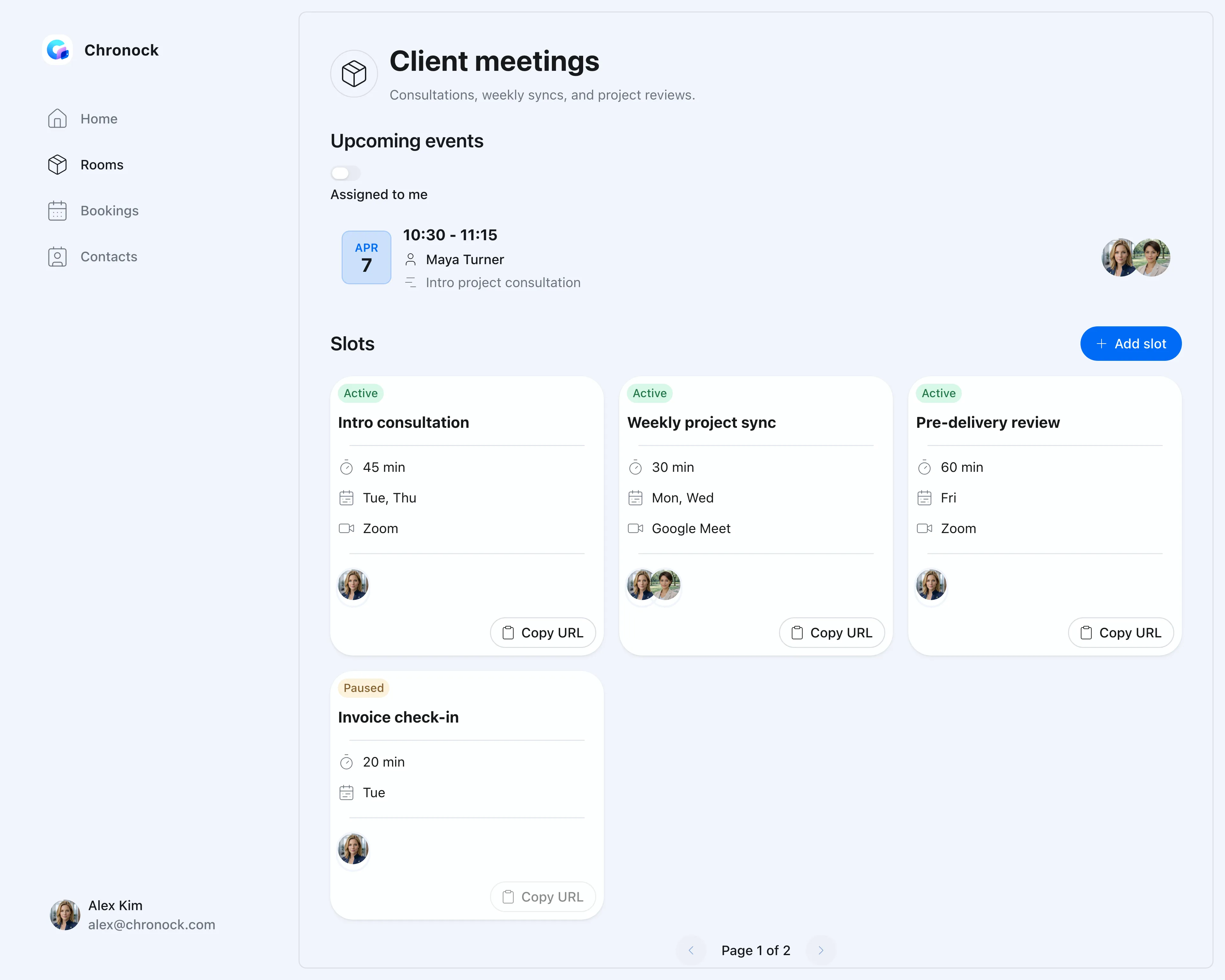
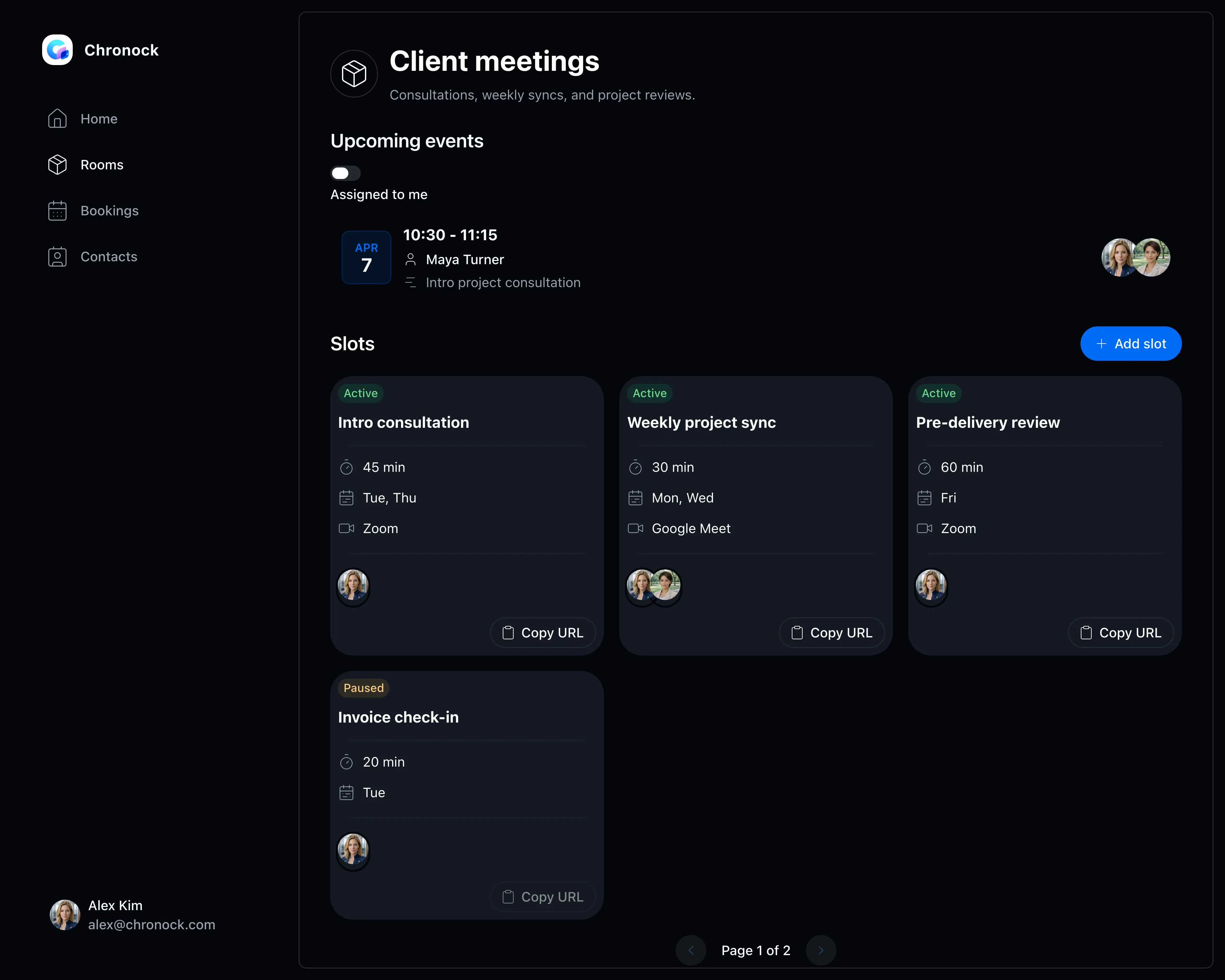
Intro calls, weekly check-ins, pre-delivery reviews — set meeting length and accepted days per type of meeting.

  • Flexible rules for days, time windows, and holiday exclusions
  • Buffers before and after meetings protect travel and prep time
  • Guests see only open slots — never the contents of your events
Booking slot settings screen
Calendar sync

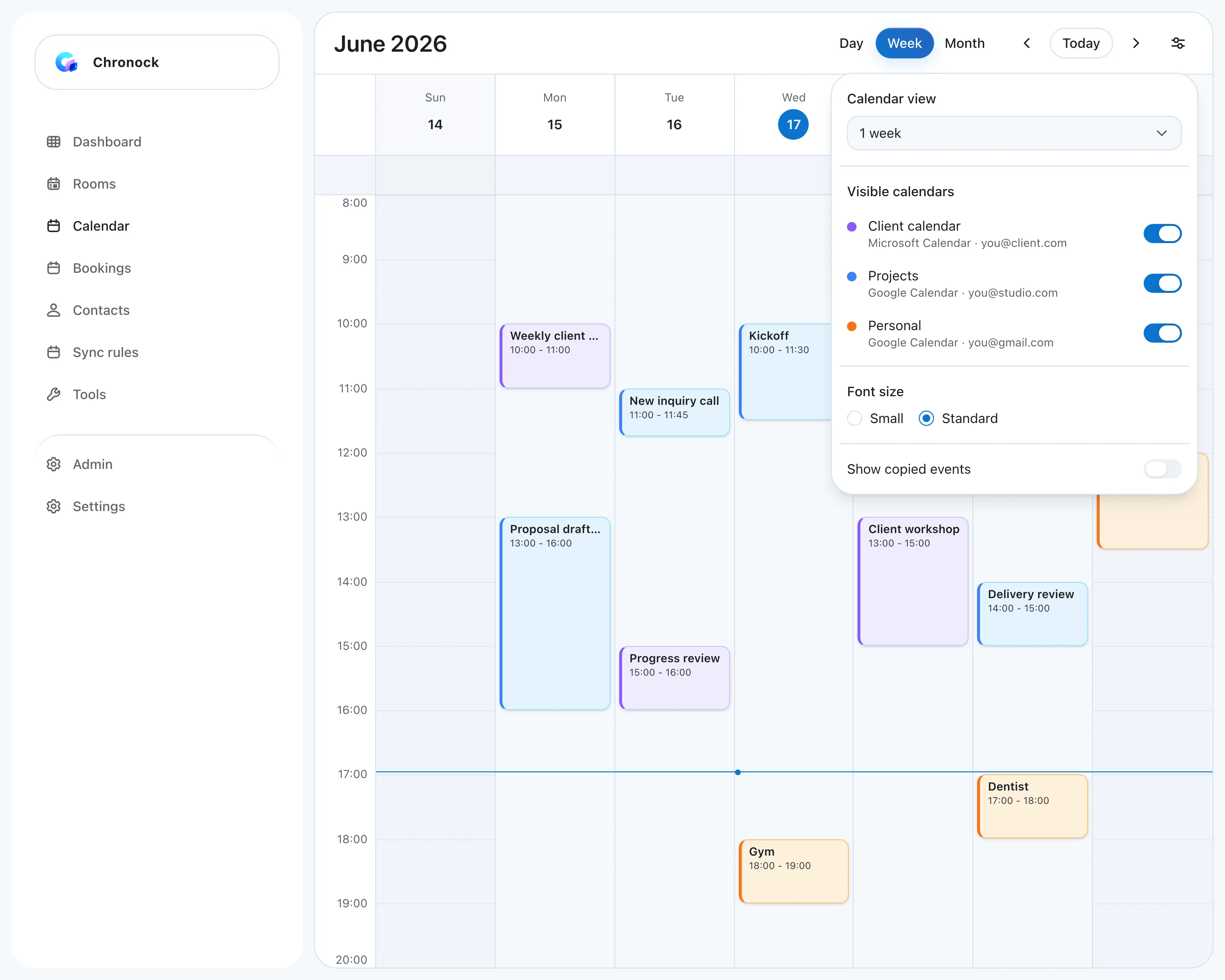
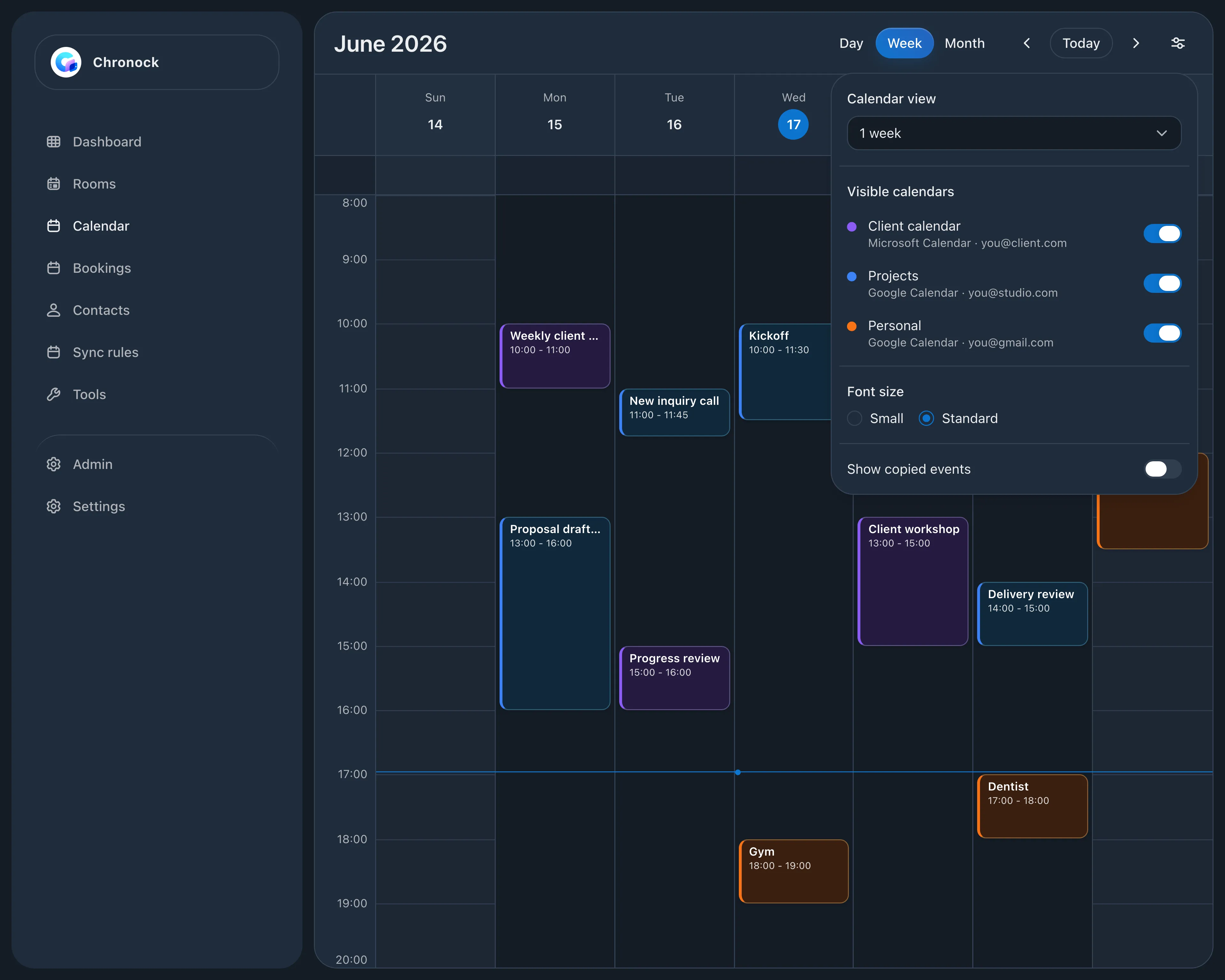
All your calendars, considered together

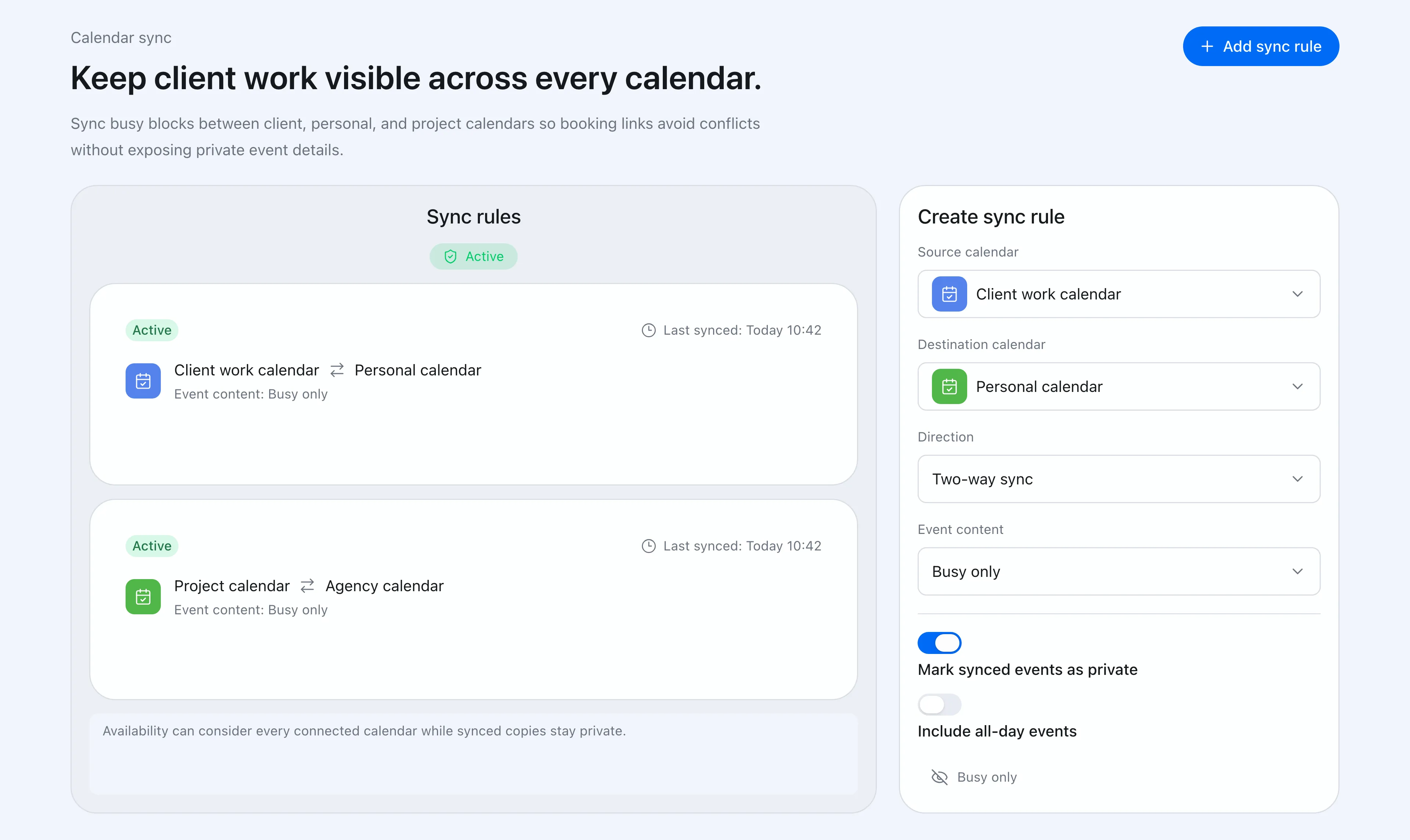
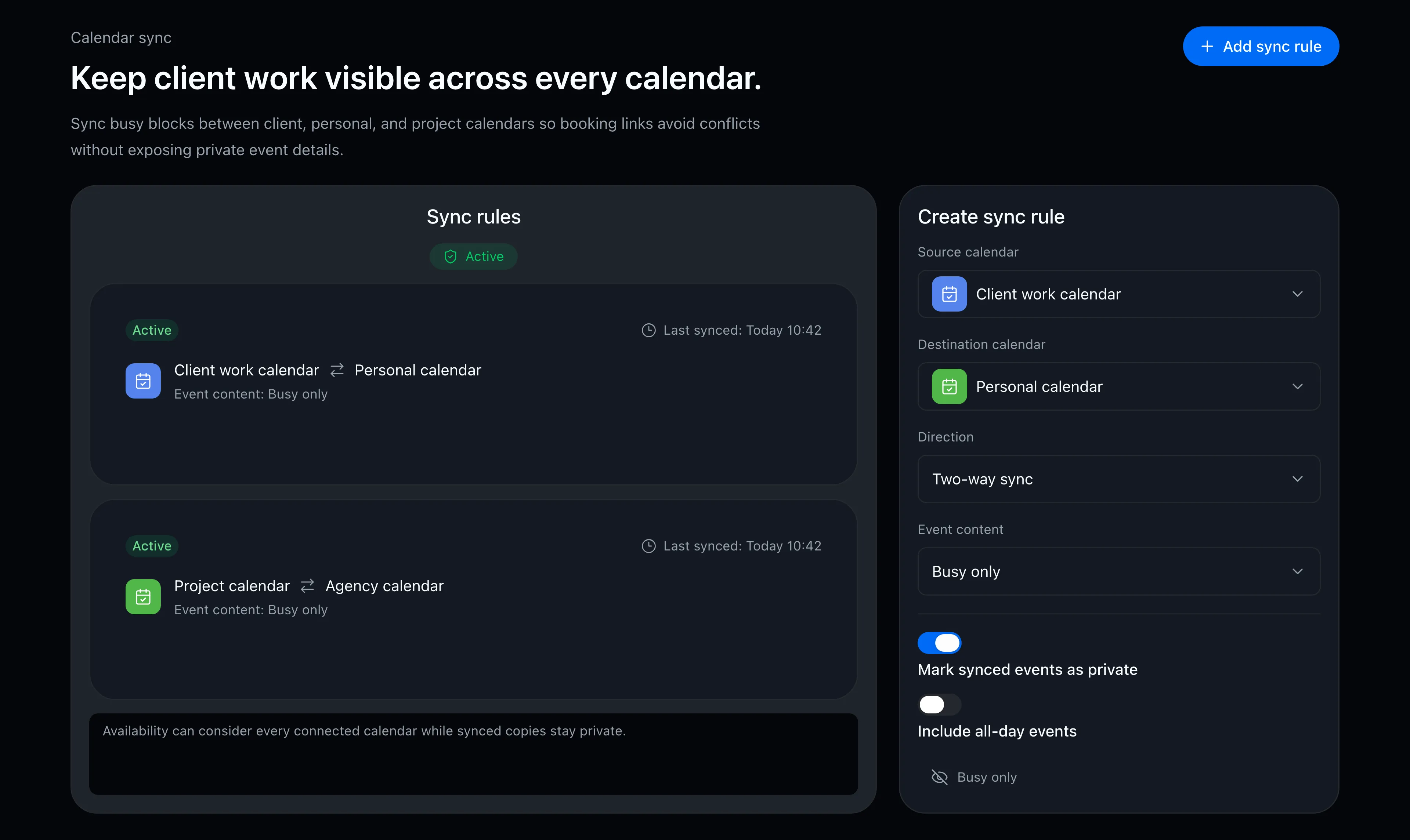
Connect work, side-project, and personal Google Calendars for availability detection. Free includes one one-way, Busy-only sync rule.

  • Availability evaluated across every connected Google Calendar
  • Free includes one one-way, Busy-only calendar sync
  • Synced copies can show just “busy” while hiding event details
Calendar sync rule settings screen

FAQ

Can I use it for free?
Yes. Free includes one booking slot, multiple Google Calendar connections, and one one-way, Busy-only sync rule. Multiple or bidirectional rules, event details, and provisional holds are available with Pro.
Can guests see the contents of my events?
No. Your booking page shows only bookable times. Event titles and details are never visible to guests.
Do my clients need an account?
No. Guests book without creating an account — they just pick a time on your booking page.

Related articles

Chronock scheduling and calendar sync OG image

Chronock

The hunt for free slots ends here.

Turn Google Calendar availability into booking pages, then add calendar sync when you need it. Start with the free plan.

Free

For individuals starting with booking and private calendar sync

$0/month

  • 1 active booking slot
  • Shareable booking page
  • Multiple calendar connections
  • Zoom and Slack integrations
  • 1 one-way calendar sync rule (Busy only)
Get started free

Pro

Streamline scheduling and cross-calendar sync for freelancers and teams

Most popular

$6.67+/ user / month

Effective monthly price with annual billing

  • Unlimited booking slots
  • Unlimited one-way and bidirectional sync with event details
  • Group scheduling
  • CRM (bookings & contacts)
Start 7-day Pro trial