Free
For one person starting with scheduling links and automatic event copying
$0/month
- 1 active booking slot
- Shareable booking page
- Up to 2 connected calendars
- Zoom and Slack integrations
- 1 one-way calendar sync rule (Busy only)
Get more out of Chronock: calendar sync rules, candidate-time sharing, webhooks, and the MCP server.
A guide to the keyboard shortcuts in the Chronock desktop app 26.10.3, covering the command palette, calendar actions, view switching, and arrow-key navigation.
The Chronock desktop app is available for Apple Silicon Macs running macOS 14 or later. Here is what it includes, how to install it, and how updates work.
Chronock webhooks can notify your tools when bookings are created, canceled, or rescheduled, so teams can automate CRM updates, alerts, and custom workflows.
Connect the Chronock MCP server to Claude or ChatGPT to find available times, use saved booking slot settings, prepare candidate time text, and inspect booking URLs and calendars.
Learn how to use Chronock calendar sync rules: one-way or bidirectional sync, busy-only, title-only, title and description, private copied events, and color settings.
When a scheduling URL feels too direct, share available times by email or chat instead. Learn how Chronock helps you copy candidate times from Google Calendar availability.
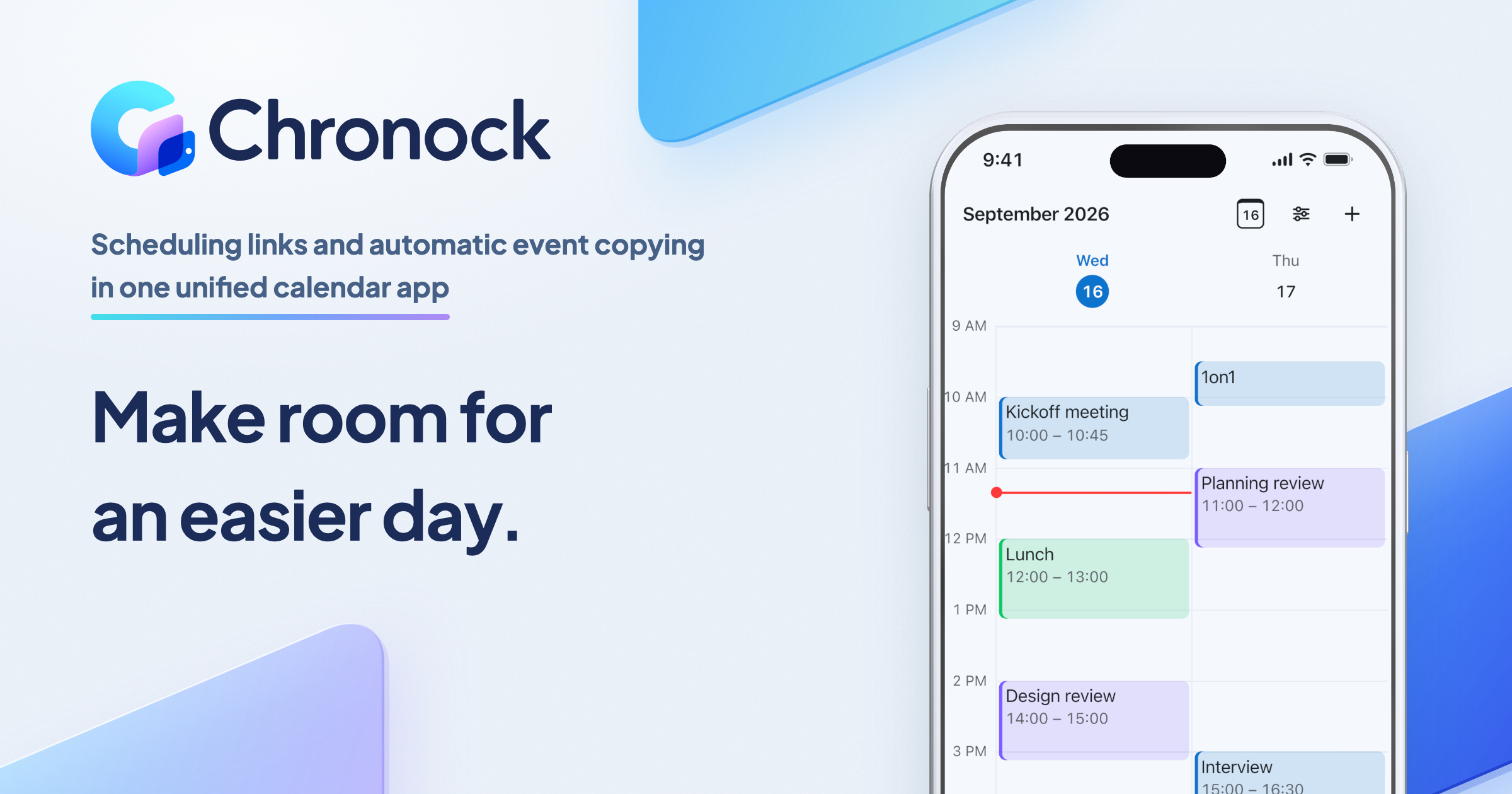
For one person starting with scheduling links and automatic event copying
$0/month
For teams scheduling together, or anyone who needs multiple or two-way sync rules
$6.67+/ user / month
Effective monthly price with annual billing