Chronock for iPhone and Android is now available
The Chronock mobile app is now on the App Store and Google Play. Here is what it does, how to sign in, and how plans work in the app.
Chronock is a unified calendar app with scheduling links and automatic event copying. Manage Google Calendar and Outlook together, share a link to find a time, and copy events between calendars automatically to prevent double-booking.
It is now also available as an app for iPhone, iPad, and Android. Download it for free from the App Store or Google Play.
What you need
- An iPhone or iPad, or an Android phone or tablet (check each store listing for supported OS versions)
- A Chronock account (create one in the app, or use the same account you use on the web and on Mac)
- An Apple account, Google account, or email address to sign in
What the mobile app gives you
All your calendars on one screen. Events from multiple Google and Outlook (Microsoft 365) accounts appear together, color-coded by calendar. Switch between day, two-day, three-day, week, and month views, and create or edit events in the app. You choose which calendar each event is saved to.
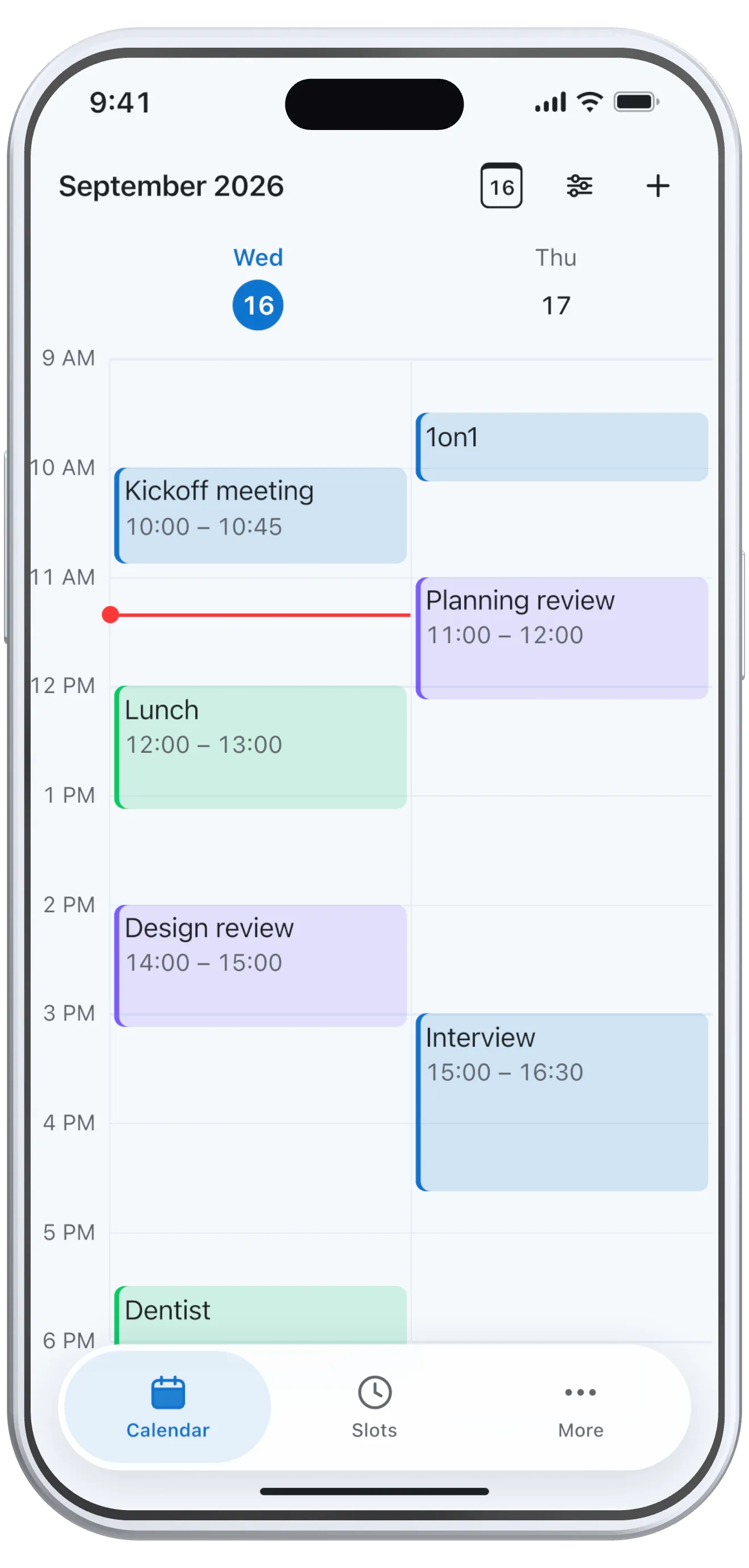 Google Calendar and Outlook events on one screen.
Today on your home screen. The widget lists today’s events from all your connected calendars, with times, without opening the app.
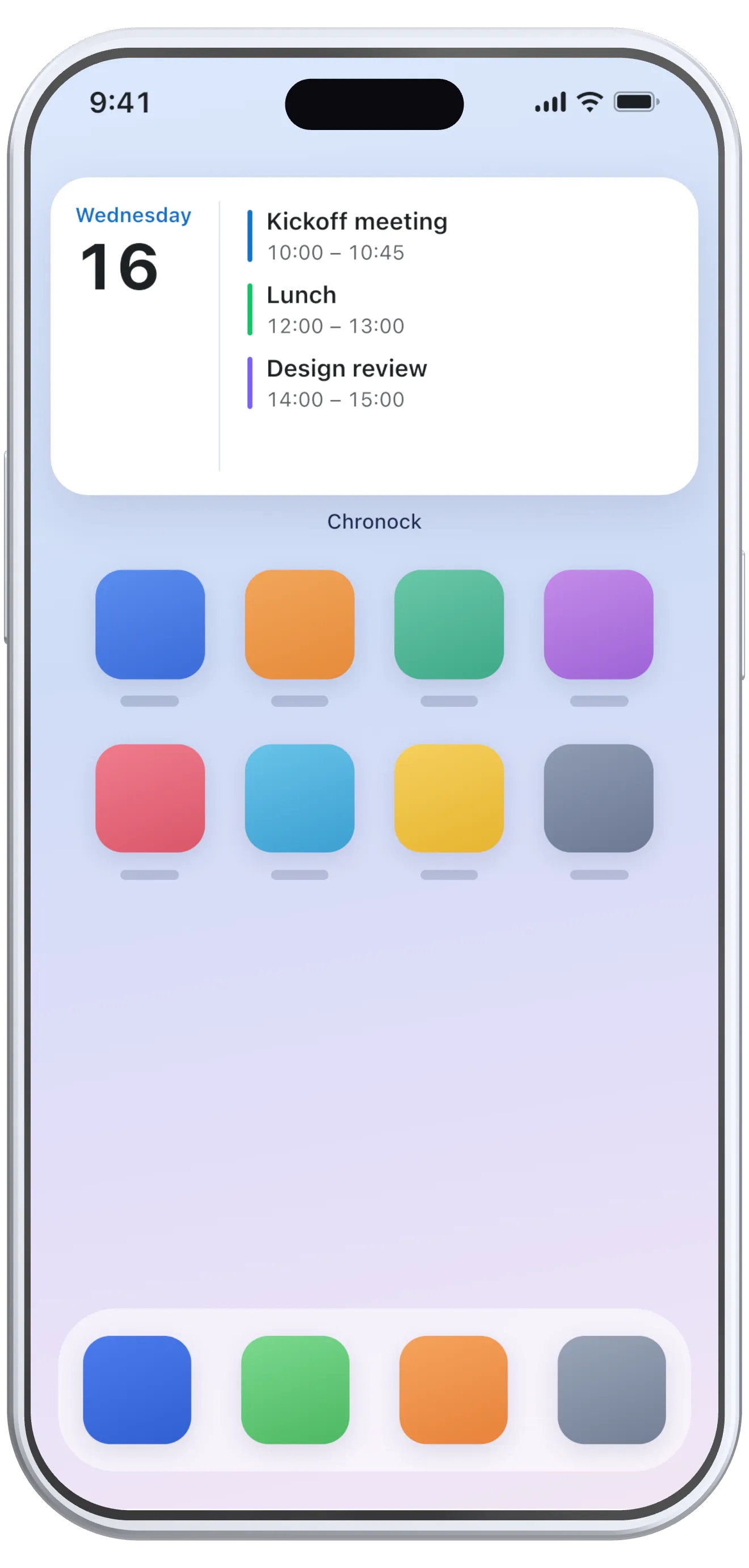 Work and personal events in one widget.
Share your booking page from your phone. Your booking page only offers times that are free across the connected calendars you include in its availability check, so you can send a link from anywhere.
Check sync rules on the go. See and manage automatic event copying between calendars in the app, such as a rule that copies personal events to your work calendar as “Busy”.
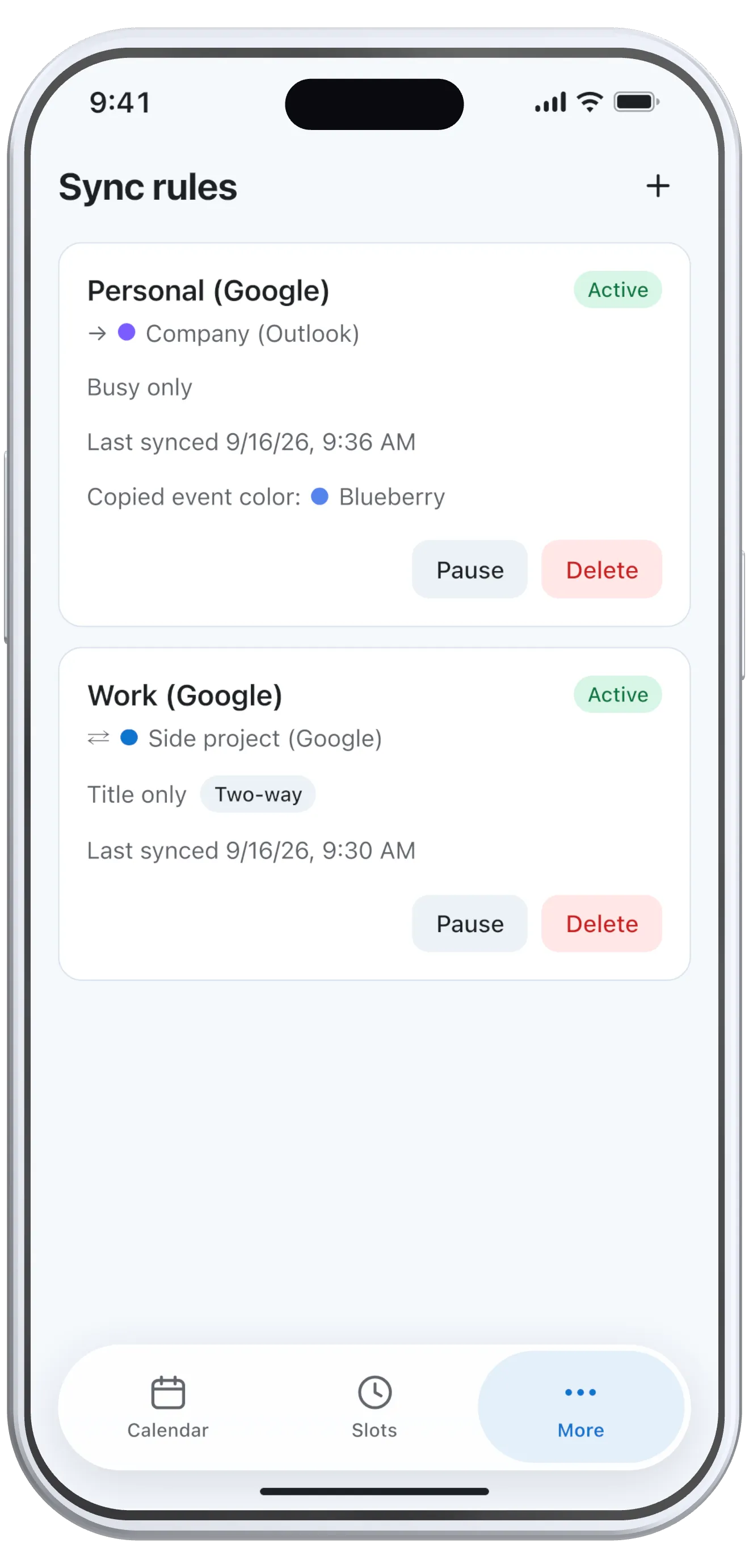 A rule that copies personal Google Calendar events to a work Outlook calendar as “Busy”.
Works offline. Events you have already loaded stay visible without a signal. Events you create or edit offline are saved on your device and applied when you are back online.
One account across mobile, web, and Mac
The mobile app, the web app, and the Mac app share one account. Sync rules and booking slots you set up on your laptop are there on your phone, and changes made anywhere go to the connected Google or Outlook calendar.
For more on seeing work and personal calendars together on your phone, see How to See Work and Personal Calendars Together on Your Phone.
Plans
- The app is a free download.
- The Free plan includes up to 2 calendar connections across Google and Outlook, one booking slot, and one one-way, busy-only sync rule.
- Pro removes the connection and booking slot limits and adds two-way copying and multiple sync rules. In the app, you can subscribe through in-app purchase for $9 per month or $80 per year in the US, the same as on the web, with a 7-day free trial for eligible users. In other regions, the purchase screen shows the local price.
Unsupported calendars
- The Outlook integration works with Microsoft 365 work or school accounts. Personal Microsoft accounts such as Outlook.com and Hotmail are not supported.
- iCloud Calendar is not supported.
Get the app
Download the app for iPhone and iPad from the App Store, and for Android from Google Play. All download options, including Mac and web, are on the download page.