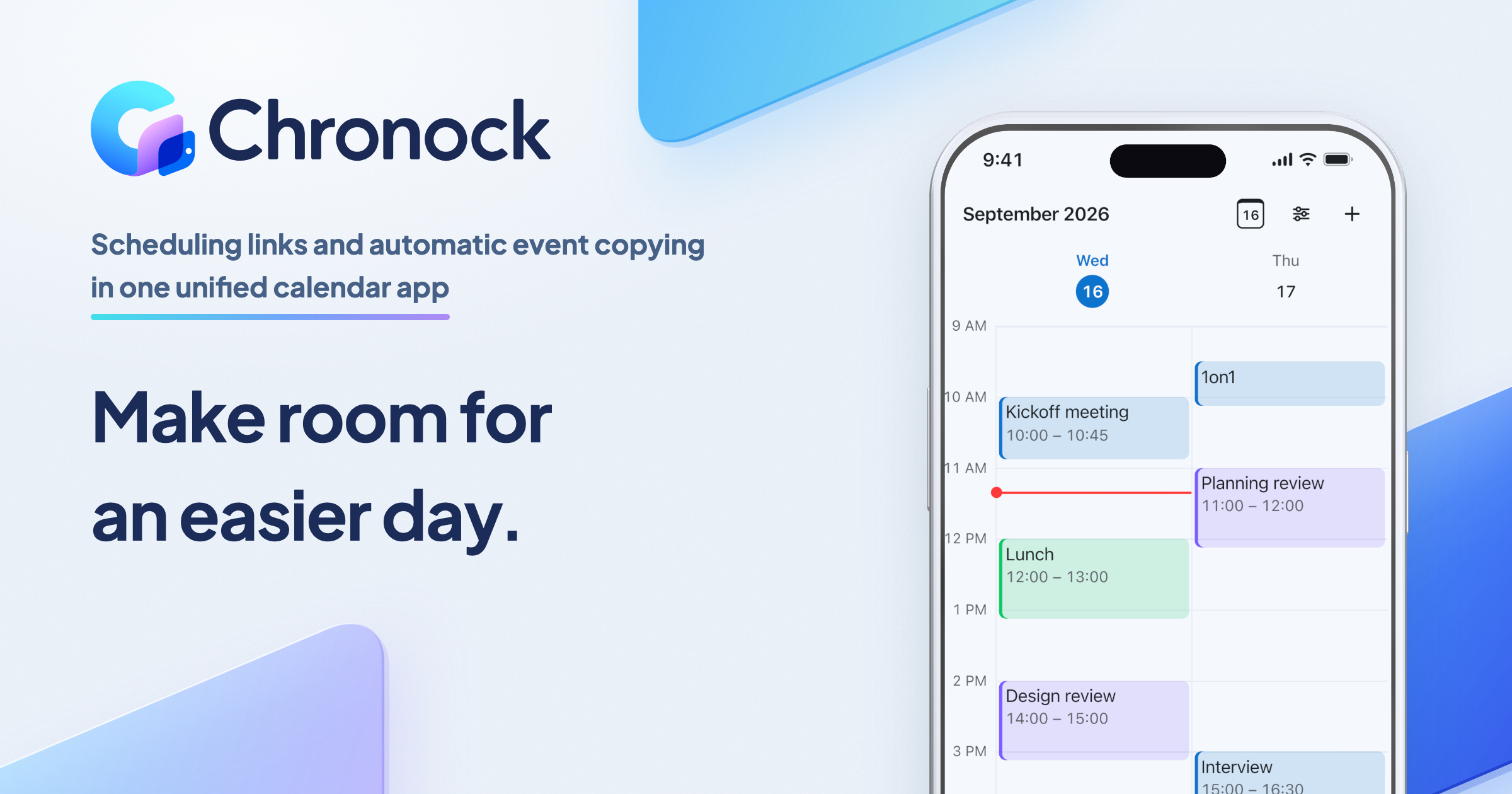
Chronock for Mac is now available
The Chronock desktop app is available for Apple Silicon Macs running macOS 14 or later. Here is what it includes, how to install it, and how updates work.
Chronock is a unified calendar app with scheduling links and automatic event copying. Manage Google Calendar and Outlook together, share a link to find a time, and copy events between calendars automatically to prevent double-booking.
It is now also available as a desktop app for Mac. The current version is 26.10.3, and you can download it from the public release page.
Download Chronock 26.10.3 for Mac
What you need
- A Mac with Apple Silicon
- macOS 14 or later
- A Chronock account (your existing account works as it is)
- An internet connection for signing in, syncing, and editing events
Builds for Intel Macs, Windows, and Linux are not available.
How to install
- Download
macos-arm64-Chronock.dmgfrom the public release page. - Open the DMG and drag Chronock to your Applications folder.
- Launch Chronock and sign in. Sign-in opens in your browser, where you use your existing Chronock account.
What the desktop app gives you
Your calendar in its own window. Chronock sits alongside your other Mac apps instead of in a browser tab, so your schedule is one app switch away.
Keyboard shortcuts. Version 26.10.3 includes a command palette, opened with Command+K, for finding actions and screens. On the calendar, single keys handle everyday actions: t jumps to today, w switches to week view, and c starts a new event. These shortcuts work while Chronock is the app in front. They are not system-wide hotkeys.
Read-only access when offline. Without a connection, you can still look at calendar data the app has already fetched. Offline access is for viewing only. Creating and editing events requires a connection.
How updates work
The desktop app does not update itself. To move to a newer version:
- Download the DMG from the latest release page.
- Quit Chronock.
- Replace Chronock in your Applications folder with the new copy.
To use improvements to the web interface and its controls, install a desktop release that includes them.
The keyboard shortcuts described above are part of 26.10.3. If you installed an earlier version, update to 26.10.3 to use them.
Get the app
If you have an Apple Silicon Mac running macOS 14 or later, the download is on the release page.