Compare Google Calendar appointment schedules and Chronock scheduling links
A fair comparison of Google Calendar appointment schedules and Chronock across cost, booking pages, multi-calendar availability, candidate times, calendar sync, and team workflows.
Google Calendar includes appointment schedules as a built-in scheduling feature. You create a booking page, share the link, and guests choose an available time.
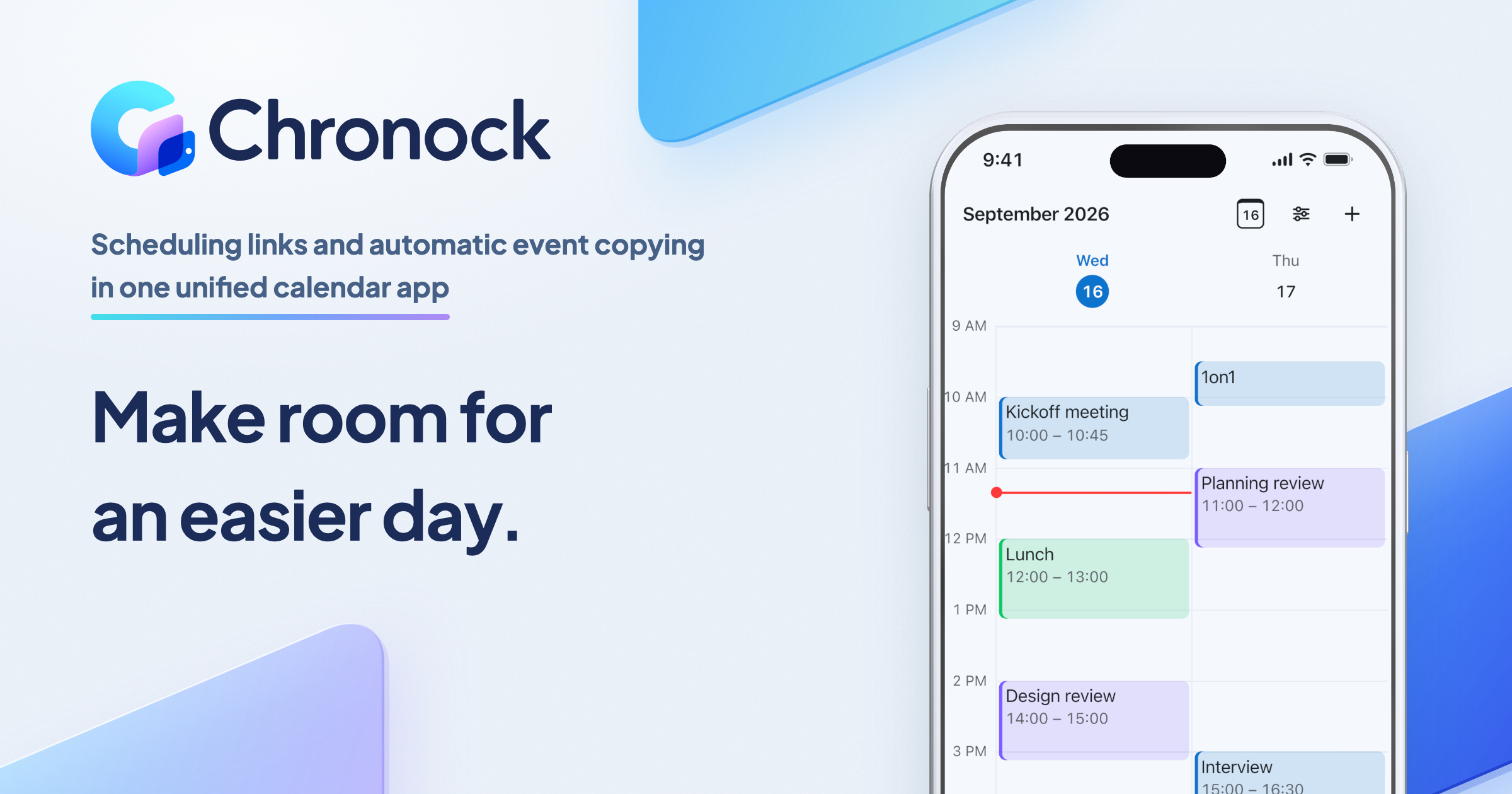
Chronock connects to Google Calendar and adds booking pages, multi-calendar availability detection, candidate-time text, calendar-to-calendar sync, and an integrated calendar that shows your Google and Outlook (Microsoft 365) calendars in one view.
Neither option is always better. This article compares Google Calendar appointment schedules and Chronock directly, based on Google help documentation as of July 2026 and Chronock’s published features as of September 2026.
Short answer
If one simple booking page is enough, start with Google Calendar appointment schedules. There is no extra scheduling tool to adopt, and eligible Google Workspace users can work from the Calendar environment they already use.
Chronock becomes more useful when you need:
- Availability across multiple Google Calendars.
- Separate booking links per use case.
- Candidate times you can paste into email or chat.
- Event sync between work, personal, side-business, or project calendars.
- Team scheduling, booking history, and contact management.
Think of Google Calendar appointment schedules as a lightweight booking page inside Google Calendar. Think of Chronock as a calendar layer on top of Google Calendar that turns availability into booking pages, candidate-time text, and calendar sync, and shows all connected calendars together.
Comparison table
| Area | Google Calendar appointment schedules | Chronock |
|---|---|---|
| Getting started | Built into Google Calendar. Eligible Workspace users can start inside an existing Google environment | Requires a Chronock account and Google Calendar connection |
| Cost to try | Personal Google Accounts and Workspace Business Starter can create one booking page | Free plan includes one user and one booking slot |
| Guest flow | Share a booking-page link. Guests do not need to be invited one by one | Share a booking-page link. Guests do not need a Chronock account |
| Number of booking pages | One or more depending on account and plan | One booking slot on Free, multiple booking slots on Pro |
| Multi-calendar availability | Checking secondary calendars requires an eligible Google Workspace or Google One plan | Free: up to 2 connected calendars across Google and Outlook; Pro: unlimited. |
| Co-hosts and teams | Eligible plans can add co-hosts. Co-host availability must be included separately | Pro supports multi-person scheduling, members, rooms, and permissions |
| Candidate-time text | Designed mainly around booking-page links | Candidate dates tool turns availability into text for email and chat |
| Calendar-to-calendar sync | Focused on appointment booking, not ongoing busy-only sync between calendars | One one-way, busy-only sync rule on Free. Pro adds multiple rules, two-way sync, and title/description sync |
| Booking follow-up | Managed as Google Calendar events | CRM stores booking history, contacts, and notes |
| Seeing all calendars together | Shows the calendars of one Google Account. Calendars from another account must be shared with you, and Outlook (Microsoft 365) cannot be added as an account | Integrated calendar shows calendars from several Google Accounts and Outlook (Microsoft 365) in day, week, and month views, with event creation and editing |
| Payments and email verification | Eligible Workspace plans support Stripe payments and email verification | Main strengths are scheduling, candidate times, calendar sync, and CRM |
Where Google Calendar is strong
The biggest advantage of Google Calendar appointment schedules is that they are built into Google Calendar.
Google’s help page on creating an appointment schedule explains that you can set appointment duration, availability, booking pages, buffer time, and booking form fields. For eligible Workspace accounts, Calendar can generate a booking page based on weekday availability and avoid times when you are busy.
Google’s help page on sharing appointment schedules explains that booking pages can be shared through links, websites, and online communication. You do not have to invite every guest manually.
Google Calendar appointment schedules are a good fit when:
- Your work already runs on Google Calendar or Google Workspace.
- One booking page is enough.
- Sending a public booking link is acceptable.
- You want appointments to live only as Google Calendar events.
- You want to avoid introducing another scheduling service.
- You need Google-side premium features such as Stripe payments or email verification.
For a simple Workspace-based workflow, the standard feature is often the cleanest starting point.
Limits to watch in Google Calendar
Google Calendar appointment schedules are useful, but not every feature is available for free.
Google’s premium feature comparison says that personal Google Accounts and Workspace Business Starter can create a single booking page. Features such as more than one appointment schedule, automatic email reminders, multi-calendar availability, payments, email verification, secondary-calendar appointment schedules, and co-hosts require eligible plans.
Google’s page on checking availability across calendars says that checking secondary-calendar availability requires an eligible Google Workspace or Google One plan.
The practical limits to watch:
- Personal accounts and Business Starter are limited to one booking page.
- Multi-calendar availability depends on the Google plan.
- Co-host availability is not checked automatically unless you include the relevant calendar.
- Booking pages are public links and can show your profile photo and account name.
- Candidate-time emails require another workflow.
- Busy-only sync from one calendar to another is outside the core appointment-schedule workflow.
These are not reasons to avoid Google Calendar. They are simply the boundaries of the standard feature.
What Chronock adds
Chronock is designed for Google Calendar users who need more than a booking page.
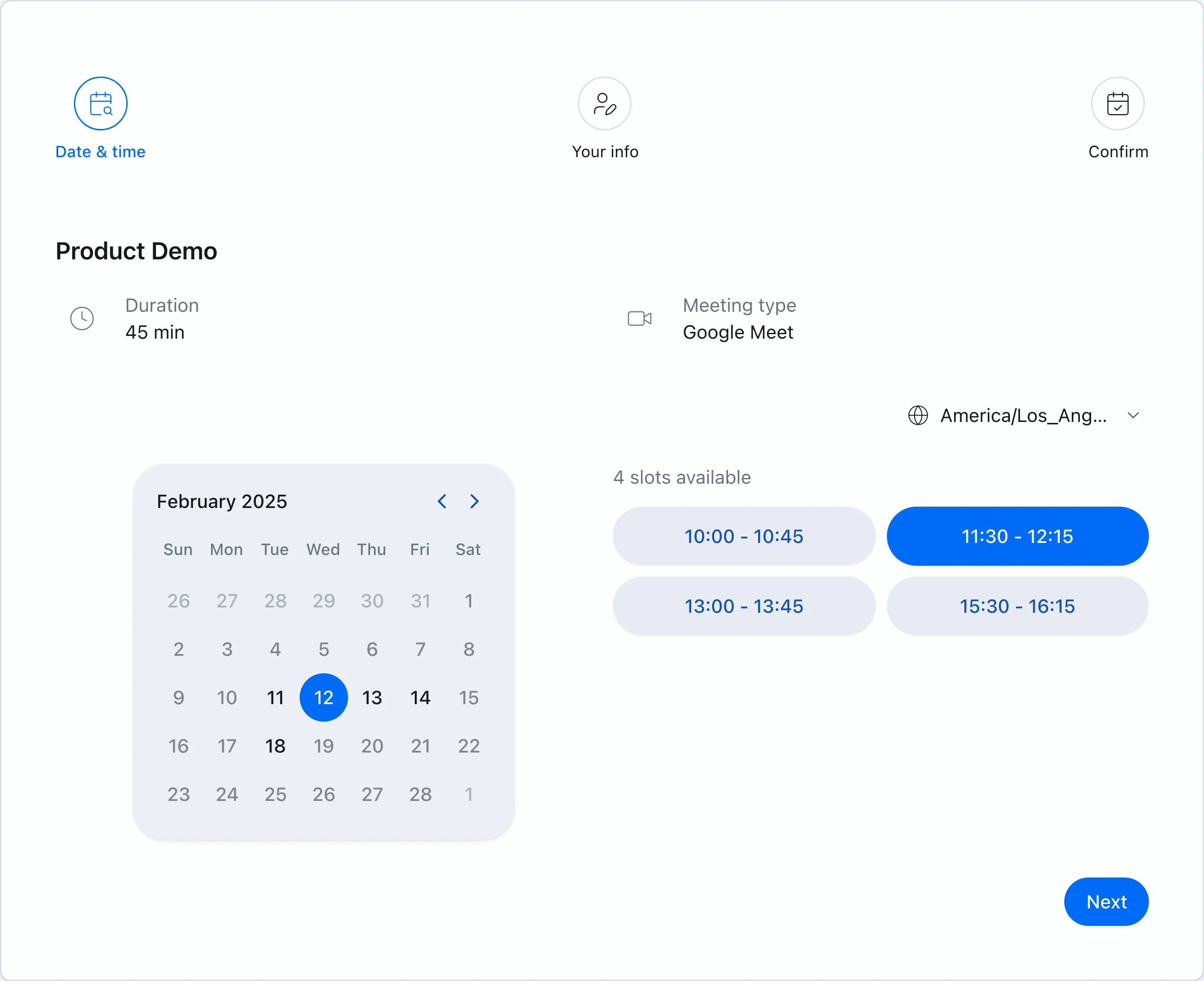 Chronock booking pages show only times that are available based on connected Google Calendars.
Chronock Free includes one user, one booking slot, and availability detection across multiple connected Google Calendars. Chronock Pro adds multiple booking slots, multi-person scheduling, calendar sync, provisional holds, and CRM. Free: up to 2 connected calendars across Google and Outlook; Pro: unlimited.
Chronock is useful in these situations:
You want multiple calendars from the free plan
If work, personal, side-business, and project events live in different Google Calendars, availability needs to consider all of them.
Chronock includes multi-calendar connections from the Free plan, so you can keep calendars separate while using them together for availability.
You need candidate times in an email
A booking link is efficient, but it can feel too direct in some relationships.
Chronock’s candidate dates tool finds open times from connected calendars and turns them into text you can paste into email or chat.
You need busy-only sync between calendars
Sometimes you do not want colleagues to see personal-event details, but you do need your work calendar to show that time as unavailable.
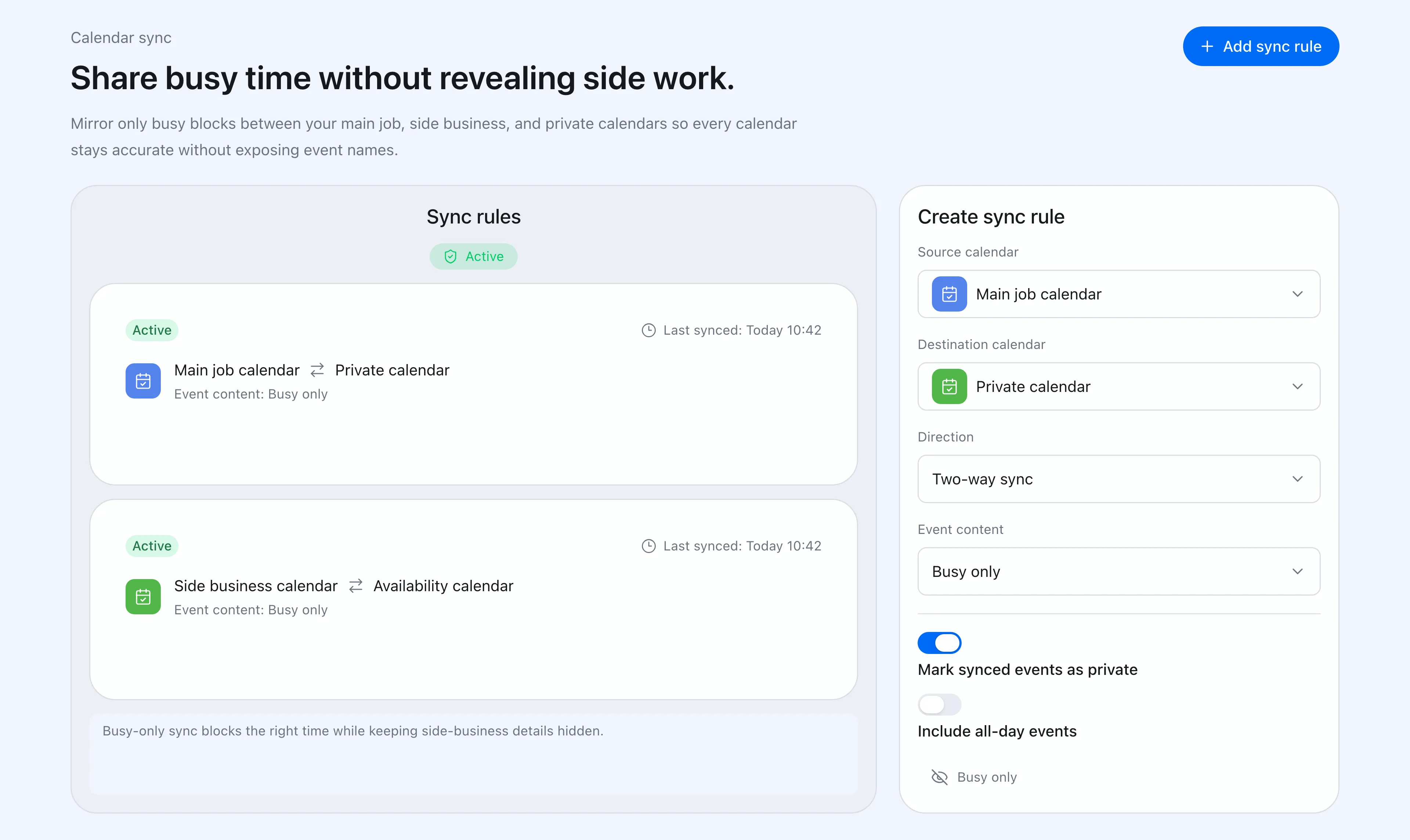 Chronock can sync events between calendars and control what information is shown on the destination calendar.
Chronock supports calendar-to-calendar sync, so work, personal, and side-business calendars can stay separate while protected time is reflected where it matters. The Free plan includes one one-way, busy-only rule; Pro adds multiple rules, two-way sync, and title or description visibility.
You need team scheduling and follow-up management
Sales, recruiting, and customer success workflows often need more than a link. You need owners, booking history, contact context, and permissions.
Chronock Pro supports rooms, members, permissions, multi-person scheduling, and CRM.
Choose Google Calendar when
| Situation | Why |
|---|---|
| One booking page is enough | Personal accounts and Business Starter can create one |
| Your organization already uses Google Workspace | Setup stays inside the existing calendar environment |
| A public booking link is all you need | You can share the page without inviting every guest |
| You need payment collection | Eligible Workspace plans support Stripe payments |
| Google Calendar events are enough for follow-up | No extra CRM layer is needed |
If adding external tools is difficult in your organization, Google’s built-in feature is likely the easiest place to start.
Choose Chronock when
| Situation | Why |
|---|---|
| You need work and personal calendars in availability | Free supports multi-calendar availability detection |
| You need separate links by use case | Pro supports multiple booking slots |
| You need candidate times in messages | Candidate dates are copy-and-paste friendly |
| You need to protect proposed times | Pro supports provisional holds |
| You need events synced to another calendar | One one-way, busy-only sync rule on Free; Pro adds multiple rules, two-way sync, and title/description sync |
| You need booking history and contacts | CRM keeps follow-up context in one place |
| You need calendars from several Google Accounts, or Outlook, in one view | Integrated calendar shows every connected calendar together |
Chronock does not replace Google Calendar. Your events stay in Google Calendar and Outlook. Chronock sits on top as an integrated calendar view where you can also create events, and it runs booking pages and sync rules against the same calendars.
Compare the bottleneck, not the feature list
| Bottleneck | Best first option |
|---|---|
| You only need one booking link | Google Calendar appointment schedules |
| You want no additional tool | Google Calendar appointment schedules |
| You need multi-calendar availability for free | Chronock Free |
| You need candidate times as text | Chronock candidate dates |
| You need event sync between calendars | Chronock (one rule on Free, more on Pro) |
| You need team booking management | Chronock Pro |
Google Calendar appointment schedules are a strong free starting point. If one booking page solves the problem, you may not need another tool.
When multiple calendars, candidate-time text, calendar sync, and team workflows become important, Chronock gives you a more complete calendar and scheduling layer on top of Google Calendar.