Reclaim.ai scheduling links: features, limits, alternatives
How Reclaim.ai scheduling (booking) links work: priority-based availability, link types, links per plan, branding, limits, and alternatives.
Reclaim.ai calls its booking links Scheduling Links. This guide reviews how Reclaim Scheduling Links work, how priority-based availability operates, plan limits and pricing, and relevant alternatives as of October 2026.
Quick answer
The table below provides a direct summary of Reclaim Scheduling Links, their tier restrictions, and operational features as of October 2026.
| Question | Answer |
|---|---|
| What are Reclaim scheduling links? | Public booking pages displaying open time based on calendar availability and priority settings. |
| How many links on the free plan? | 1 scheduling link on the Lite plan. |
| How many links on the Starter plan? | 3 scheduling links. |
| How many links on Business and Enterprise? | Unlimited. |
| What link types are available? | Individual, Team, Round Robin, 30-day one-off links, and Link Groups. |
| Can you remove Reclaim branding? | Custom branding is available on Business and Enterprise plans only. |
| Is there a mobile app? | No native iOS or Android app. Reclaim suggests adding the web app to your iOS home screen. |
How Reclaim scheduling links work
Reclaim evaluates availability by looking at both calendar availability and event priorities.
Reclaim uses four priority levels, from Critical (P1) to Low (P4). Some events on your calendar are flexible: Reclaim created them and can move them, such as Habits and Smart Meetings. Events Reclaim did not create default to Critical (P1), so links do not offer that time unless you lower their priority.
A higher-priority Scheduling Link can offer time that is currently held by lower-priority flexible events. If someone books that time, Reclaim can move the lower-priority flexible event according to its scheduling rules.
At one end, a Critical (P1) link offers the most availability. At the other, a Low (P4) link offers only open time. Details are documented in the Reclaim Scheduling Links Overview.
Link types
Reclaim offers these link types:
- Individual links: Standard personal booking pages for one organizer.
- Team links: Multi-organizer links where invitees can book only when all required team organizers are available simultaneously.
- Round Robin links: One host from a pool is booked. Preferred and required organizers are supported.
- One-off personalized links: Links for a single person or meeting. They expire after 30 days.
- Link Groups: Booking pages that bundle a set of Scheduling Links, so invitees pick the meeting type on one page.
Links can also be hidden from booking pages.
Further details on link types are available in the Reclaim Scheduling Links Overview.
What you can customize
Each Scheduling Link can be adjusted with the following options (availability depends on your plan tier):
- Durations: Up to 3 duration options per link.
- Questions: Screening or information questions on the booking form.
- Buffers: Time before and after meetings.
- Booking windows and frequency limits: The soonest and latest times people can book, and how often.
- Reminder emails.
- Redirect URL: Send invitees to another page after booking.
- Webhooks (Business and Enterprise plans only).
- Location: Google Meet, Zoom, or another location.
These configuration settings are outlined in the Reclaim Scheduling Links Overview.
Plans and limits
Reclaim organizes its product features across four tiers: Lite, Starter, Business, and Enterprise. Pricing and link limits as of October 2026 are published on the Reclaim Pricing Page.
| Plan | Annual Price | Monthly Price | Scheduling Links | Calendar Syncs | Custom Branding |
|---|---|---|---|---|---|
| Lite | Free | Free | 1 | 1 | No |
| Starter | $10 / seat / month | $12 / seat / month | 3 | Discrepancy (3 or Unlimited)* | No |
| Business | $15 / seat / month | $18 / seat / month | Unlimited | Unlimited | Yes |
| Enterprise | $22 / seat / month | Annual only | Unlimited | Unlimited | Yes |
*Note: Reclaim’s official pricing page contains a discrepancy for Starter calendar syncs, listing 3 on the plan card but Unlimited in the detailed feature comparison table.
Lite (Free)
The Lite plan includes 1 user seat, 1 scheduling link, and 1 calendar sync. The Lite plan has a 1-week scheduling range for general planner features, but Reclaim explicitly notes that this range restriction excludes Scheduling Links.
Starter
The Starter plan costs $10 per seat per month on an annual commitment or $12 billed monthly. It includes 3 scheduling links. Reclaim’s official pricing documentation contains a discrepancy regarding Starter calendar syncs, listing 3 on the plan card but Unlimited in the detailed feature comparison table.
Business
The Business plan costs $15 per seat per month on annual billing or $18 billed monthly. It provides unlimited scheduling links, unlimited calendar syncs, and custom branding settings.
Enterprise
The Enterprise plan costs $22 per seat per month and is sold exclusively on annual contracts. It includes unlimited scheduling links, unlimited calendar syncs, and custom branding.
Removing Reclaim branding from booking links is restricted to the Business and Enterprise plans, as detailed in Reclaim Branding Settings.
Limits to know
Before deploying Reclaim Scheduling Links, consider these practical boundaries and operational constraints:
- One-off link expiration: One-off personalized scheduling links expire automatically after 30 days.
- Team link organizer requirements: A time slot appears only when it satisfies the availability and priority rules of every required organizer. Lower-priority flexible events may still be offered as available.
- Branding restrictions on lower tiers: You cannot remove or adjust Reclaim branding on Lite or Starter plans. Presenting a custom-branded booking page requires a Business or Enterprise tier.
- No Apple iCloud calendar support: Reclaim integrates with Google Calendar and Microsoft Outlook (including Microsoft 365, Outlook.com, and Exchange-backed accounts). Direct Apple iCloud Calendar integration is not supported, as noted in Shared calendars.
- No native mobile app: Reclaim does not provide native mobile apps for iOS or Android. Reclaim suggests adding the web app to your home screen on iOS (Safari), as explained in the Reclaim Mobile Guide.
- Reclaim 2.0 updates: In May 2026, Reclaim introduced Reclaim 2.0 (guiding users joining from May 2026 onward to 2.0), updating several core interfaces across its planner, chat, and automations, as outlined in Switching from Reclaim 1.0 to 2.0.
Alternatives if you mainly need booking links
Reclaim Scheduling Links use event priorities to offer time occupied by lower-priority flexible events. If you only need booking pages, these tools are worth a look:
- Calendly: A dedicated scheduling tool. See Calendly alternatives for Google Calendar users.
- Cal.com: A scheduling platform with a generous free plan. See Cal.com vs Chronock.
- OneCal: Calendar sync with unlimited scheduling links on every paid plan. See Reclaim.ai vs OneCal and OneCal alternatives.
- For a wider list, see Reclaim.ai alternatives.
Chronock booking pages
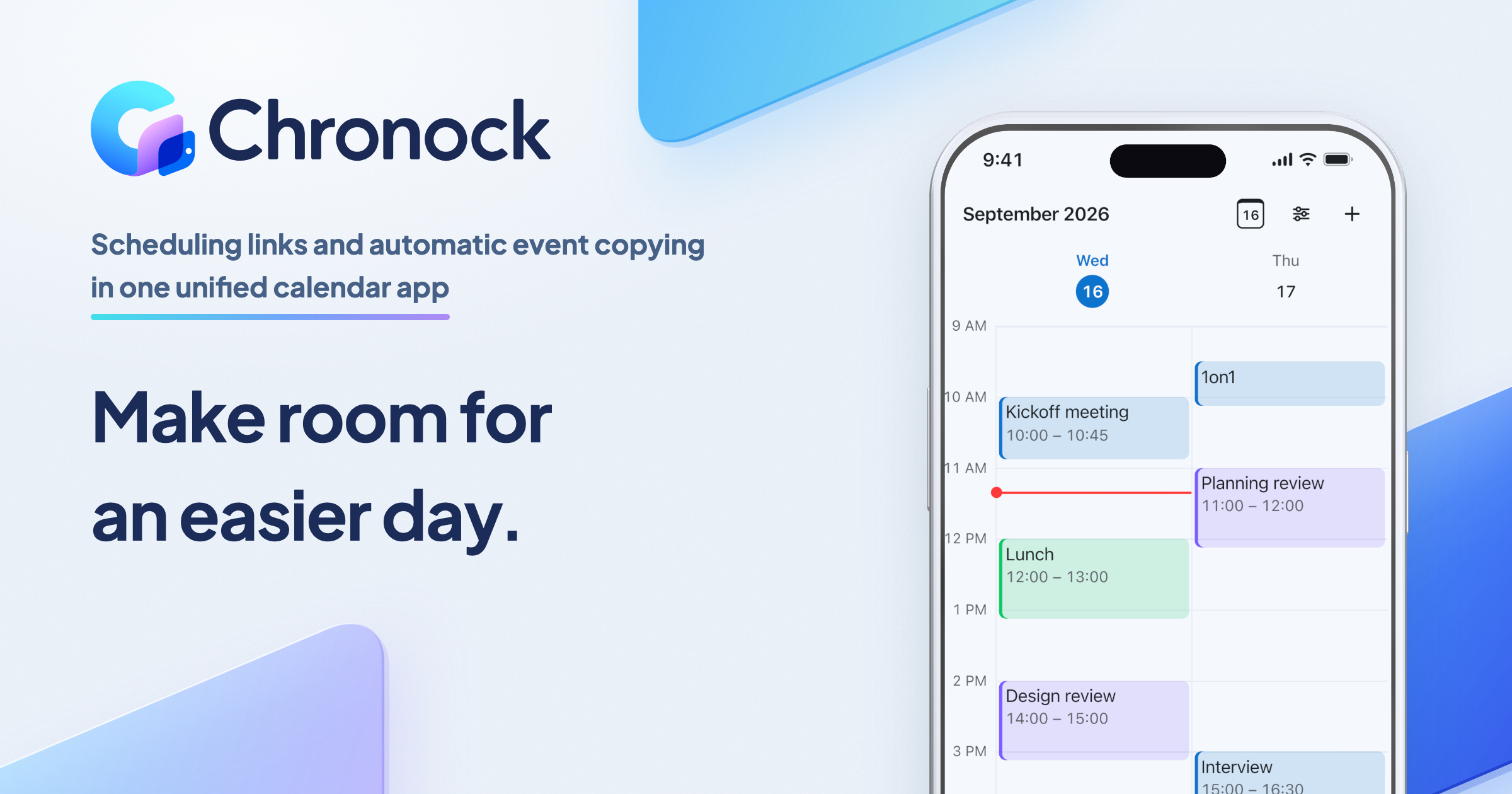
Chronock is a unified calendar app with scheduling links and automatic event copying. It fits freelancers, consultants, and coaches who juggle several calendar accounts and want booking pages without an AI planner.
Calendar support and synchronization
Chronock connects with Google Calendar and Microsoft 365 Outlook (work and school accounts only). Chronock does not support personal Microsoft accounts (Outlook.com) or Apple iCloud Calendar.
Chronock handles multi-calendar scheduling through automated calendar sync rules. Chronock supports one-way and two-way sync rules. Users can configure events to sync as busy-only, title-only, or title and description. Synced events are real copies that Chronock updates or deletes when the source event changes. Chronock synchronizes events from today up to 12 months ahead.
Chronock booking features vs Reclaim
Be clear about what Chronock does not do:
- No priority-based rescheduling: Chronock does not displace events based on priority levels (P1–P4) or reschedule flexible habits.
- No round robin: Chronock does not provide round robin meeting distribution.
- No AI planning or payments: Chronock does not include automated habit scheduling, task planners, or payment collection.
Chronock Pro does include multi-person scheduling and provisional holds.
Candidate dates email tool
In addition to standalone booking pages, Chronock includes a Candidate Dates tool. It turns open times into text you can paste into an email or chat, for people who would rather not use a booking link.
Chronock plans and apps
Chronock offers two plan tiers:
- Free: Supports 1 user and up to 2 connected calendars. Includes cross-calendar availability detection, 1 booking slot (booking page), timezone support, holiday blocking, Zoom and Slack integrations, and 1 one-way busy-only sync rule.
- Pro: $9 per user per month, or $80 per user per year, with a 7-day free trial. Includes unlimited connected calendars, unlimited booking slots, booking slot groups, provisional holds, multi-person scheduling, contact management (CRM), session notes, team management for up to 50 users, branding removal, two-way sync rules, and title or title-and-description copies.
Chronock runs as a web app and as a Mac app for Apple Silicon Macs on macOS 14 or later.
FAQ
Are Reclaim scheduling links free?
Yes, one. Reclaim’s free Lite plan includes 1 scheduling link and 1 calendar sync for 1 user.
How many links on each plan?
As of October 2026, the Lite plan includes 1 link, the Starter plan ($10/seat/month annual or $12 monthly) includes 3 links, and Business ($15/seat/month annual or $18 monthly) and Enterprise ($22/seat/month annual) provide unlimited links.
Can I remove Reclaim branding?
Custom branding is supported only on Business and Enterprise plans. The Lite and Starter plans retain Reclaim branding on booking pages.
Does Reclaim support Outlook?
Yes. Reclaim connects with Microsoft Outlook calendars, including Microsoft 365, Outlook.com, and Exchange-backed accounts. It does not support Apple iCloud Calendar.
What happens to one-off links?
Reclaim one-off personalized links expire automatically after 30 days. Once the 30-day window passes, invitees can no longer use the link to schedule a meeting.