Can You Use Calendly in Japanese? Language Support Explained
What Calendly officially supports in Japanese — admin UI, booking pages, and notification emails — plus practical workarounds and Japanese-native alternatives, as of July 2026.
Cet article est actuellement disponible en anglais uniquement.
If you schedule with Japanese clients, candidates, or teammates, a natural question is whether Calendly works in Japanese. The short answer: Calendly works fine in Japan, but it has no native Japanese UI — not in the admin dashboard, not in booking-page system text, and not in notification emails. This article lays out exactly what is and is not supported, based on official documentation, and what to do about it.
The information below is current as of July 10, 2026. Language support and pricing may have changed since, so check Calendly’s latest pages before deciding.
The short answer
- Calendly’s account display languages do not include Japanese. The official Account settings overview lists English, French, Spanish, German, and Portuguese (Brazil).
- Native translations for booking pages and notifications do not include Japanese either. The official event type language guide lists French, Spanish, German, Dutch, Portuguese, Italian, and Ukrainian.
- However, event names, descriptions, and custom questions are free text — you can write them in Japanese, which makes the visible content of a booking page mostly Japanese even though buttons and date-picker text stay English.
- Functionally, Calendly works well for Japan-based scheduling, and its time-zone handling is a genuine strength for international meetings.
The three layers of Calendly’s language support
1. The admin dashboard (what you see)
There is no Japanese display language, so event setup, availability, and integrations are managed in English or another supported language. Browser auto-translation helps, but Calendly itself notes that machine translation is not a native translation and accuracy is not guaranteed.
2. The booking page (what your invitees see)
System strings — “Select a time,” date navigation, confirmation buttons — only switch among the natively translated languages, which exclude Japanese. What you can do is write the event name, description, location notes, and custom questions in Japanese. The result is a mostly-Japanese page with English UI chrome.
3. Notification emails and reminders
The template scaffolding of confirmations and reminders is also outside the native translation list. You can customize portions with Japanese text, but you cannot make the full template Japanese.
Practical workarounds
Teams that use Calendly with Japanese-speaking invitees typically:
- Write every editable field — event names, descriptions, questions — in Japanese.
- Add a one-line note when sharing the link (“the page is in English, but you only need to click a time”).
- Send their own Japanese follow-up email alongside Calendly’s confirmation.
This works, especially with tech-comfortable invitees. For consumer-facing booking pages aimed at a broad Japanese audience, the English UI chrome can cost conversions.
When Calendly is still the right choice
- Your invitees are mostly international. English booking pages are natural, and Calendly’s time-zone conversion is excellent.
- Your calendars include Exchange or personal Microsoft accounts (Outlook.com). Calendly supports Google, Office 365 / Outlook.com, and Exchange.
- You run sales or recruiting operations that need round-robin, lead routing, or Salesforce/HubSpot/Marketo integrations.
Pricing starts free (1 event type, 1 calendar connection) with Standard at $10/seat/month billed annually (official pricing, as of July 2026). For a full feature comparison, see our Calendly vs Chronock article.
If you need Japanese end to end
If the admin UI, booking pages, notifications, and support all need to be in Japanese, a Japanese-native tool is the lower-friction path.
Chronock is operated by a Japanese company (Pluralworks LLC, Tokyo) with a fully Japanese-native UI, booking pages, notifications, and support — alongside English and Traditional Chinese. It supports Google Calendar and Microsoft Outlook calendars (Microsoft 365 work or school accounts): multi-calendar availability detection and one one-way, busy-only calendar sync rule are included in the Free plan.
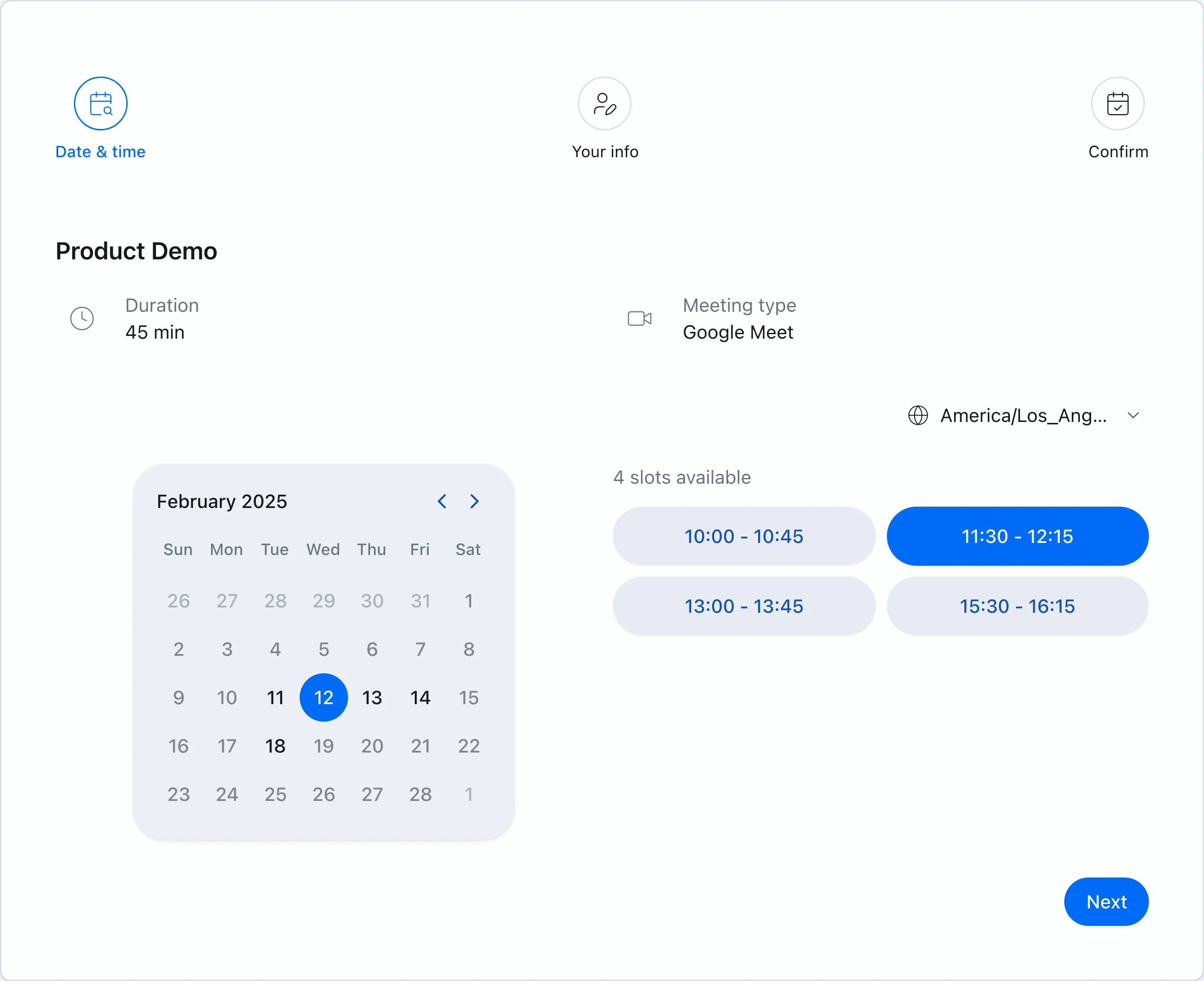 Chronock booking pages localize completely, including system text.
Other Japanese-native options include TimeRex, Spir, and Jicoo — we compare the whole domestic landscape in our Japan scheduling tools comparison.
Bottom line
Calendly is usable in Japan and excellent for international scheduling, but it offers no native Japanese for the admin UI, booking-page system text, or notifications. Writing your event content in Japanese gets you most of the way; whether the remaining English chrome matters depends on your audience.
For a fully Japanese experience — or for Japanese-language support when something goes wrong — a Japanese-native tool like Chronock, TimeRex, or Jicoo will be the smoother operation.